| src | ||
| .gitignore | ||
| clipboard-flow.gif | ||
| data.json | ||
| main.js | ||
| manifest.json | ||
| package-lock 2.json | ||
| package.json | ||
| README.md | ||
| rollup.config.js | ||
| styles.css | ||
| tsconfig.json | ||
| yarn.lock | ||


Extract Highlights Plugin
Extracts all highlights from a current note in Obsidian into your clipboard.
This is a very bare-bones implementation of icebear's plugin request on Obsidian Forum https://forum.obsidian.md/t/extract-highlights-from-note/7867
Email me if you have any questions, suggestions, issues => alexis.rondeau@gmail.com
How it works
This release will copy the highlights delimited by == into your clipboard as a bullet-list.
Demo
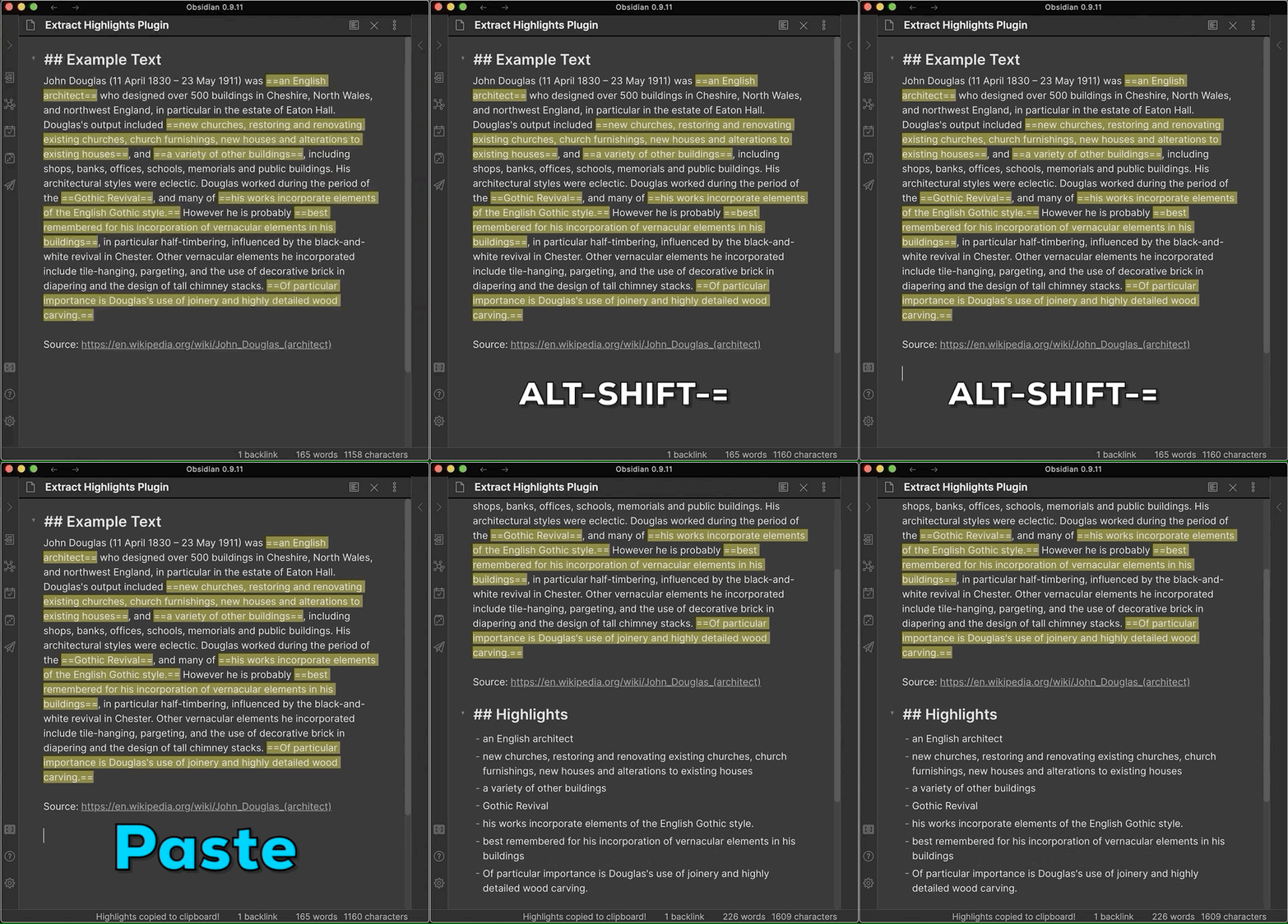
Hotkey
The default short-cut is:
SHIFT + ALT + =
This will extract all highlighted parts in your current note and place it in your clipboard.
Then, anywhere you want, just paste
Command + v (MacOS) or the equivalent on Windows/Linux
The output is a markdown-block titled "Highlights" with a bullet-list of the highlights.
Ribbon Button
There is also a button (a circle-shape) that's added to your left-side ribbon.
Clicking on it will also extract all highlighted parts in your current note and place it in your clipboard.
Backlog
icebear ideas
UI
- command (SHIFT + ALT + =) which then copies all of the highlighted text either into:
- click a button which then copies all of the highlighted text either into:
Outputs
- my clipboard
- the top/botton of the note and selected for a next step,
- a designated area in the note such as {{highlights}}, or
- a new note