| docs | ||
| patches | ||
| src | ||
| .editorconfig | ||
| .eslintignore | ||
| .eslintrc | ||
| .gitignore | ||
| .npmrc | ||
| esbuild.config.mjs | ||
| LICENSE | ||
| main.ts | ||
| manifest.json | ||
| package-lock.json | ||
| package.json | ||
| README.md | ||
| styles.css | ||
| tsconfig.json | ||
| version-bump.mjs | ||
| versions.json | ||

Obsidian Link Range

This plugin brings wiki-link header range queries to Obsidian while retaining native backlink functionality. Supports standard wiki-links or other user-defined patterns, hover preview, and embedded content wiki-links.

Usage
To use, simply use the same wiki-link syntax you're used to in obsidian, but instead of specifying a single header, you can specify a header range separated by a separator string.
For example, if I wanted a link to headers "Ingredients" through "Directions" in a note named "Recipe", I could craft a link like the following:
[[Recipe#Ingredients..Directions]]
Basic Settings
The default settings give you the functionality indicated above.

Advanced Settings Choices
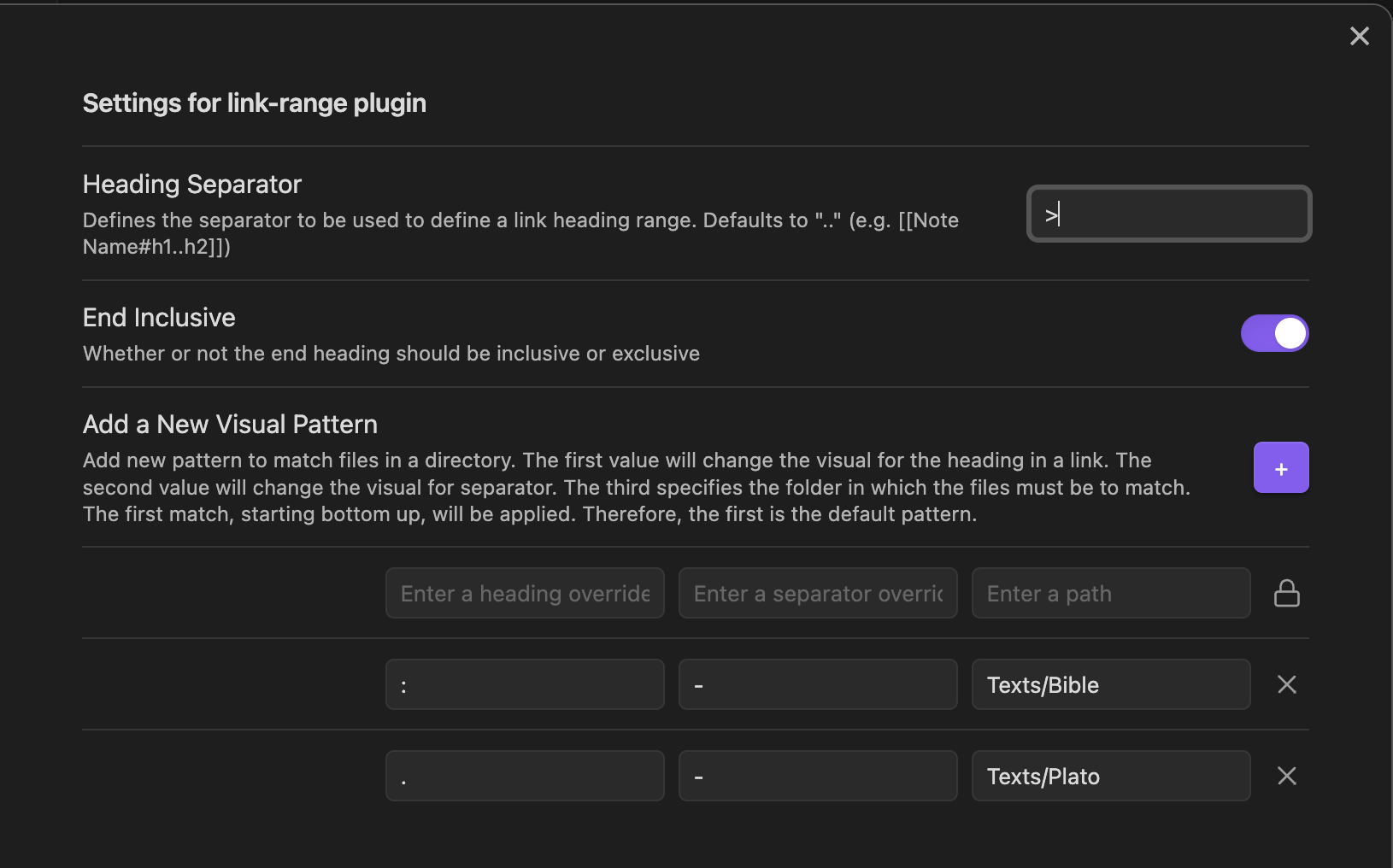
If you prefer a different heading separator than the Wikilink syntax, you may change it.
Some will want to change the visual style of the heading separators. The