| .github/workflows | ||
| src | ||
| .editorconfig | ||
| .eslintignore | ||
| .eslintrc | ||
| .gitignore | ||
| .npmrc | ||
| CHANGELOG.md | ||
| esbuild.config.mjs | ||
| LICENSE | ||
| manifest.json | ||
| package-lock.json | ||
| package.json | ||
| README.md | ||
| release-please-config.json | ||
| styles.css | ||
| tsconfig.json | ||
| version-bump.mjs | ||
| versions.json | ||

Marp Slides for Obsidian




Marp Slides is very simple & powerful slide deck extension for Obsidian based on Marp
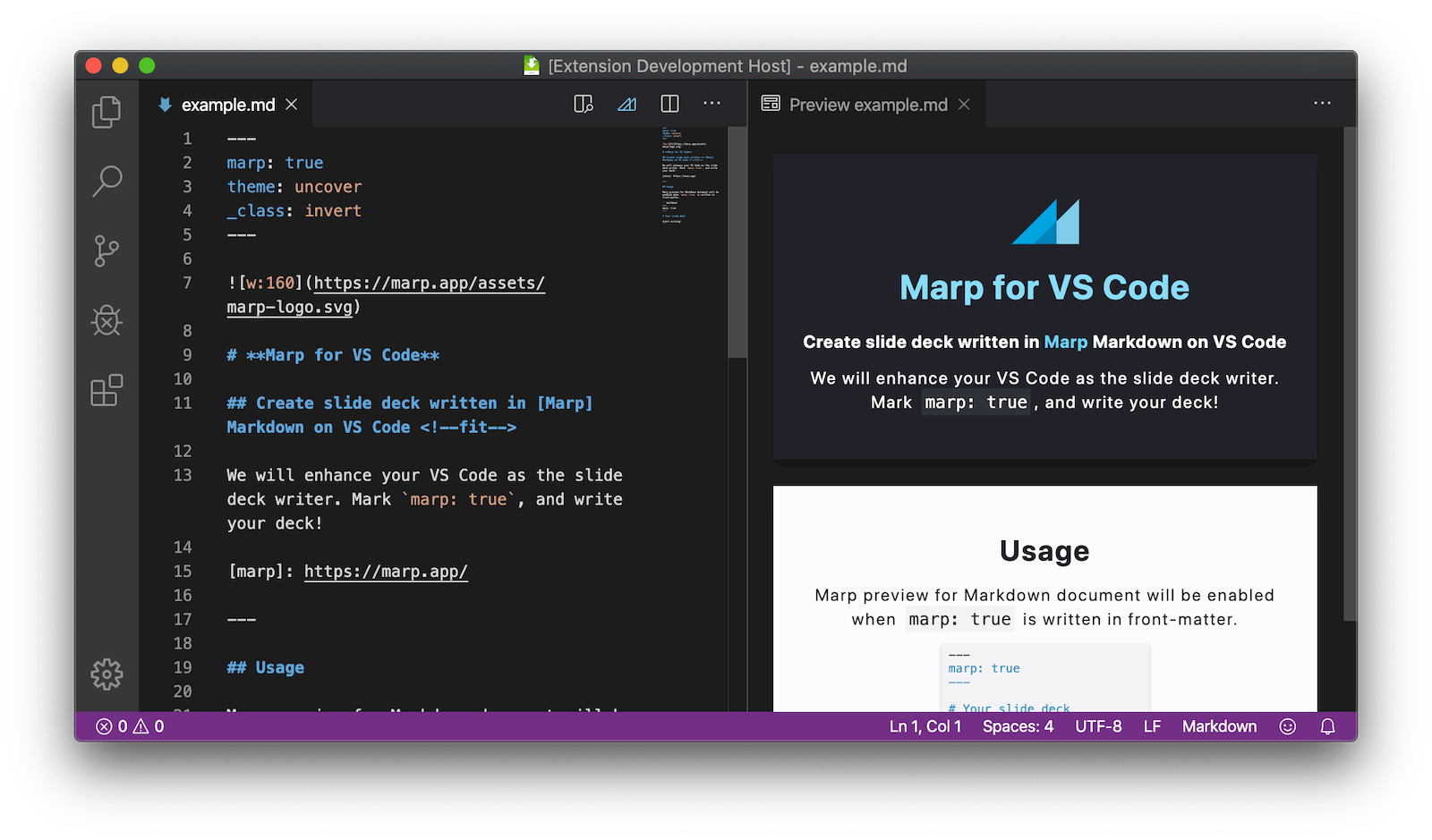
Please refer marp for more details of Marp ecosystem.
See the documentation of Marpit Markdown and the features of Marp Core about how to write. Marp have powerful tools for Markdown Slides: Marpit Framework, CLI tool, Web interface and so on.
Features
Preview Slides
Marp for Obsidian lets you preview your Marp Markdown in real time, allowing you to instantly view changes as you make them! With this feature, you can quickly refine and perfect your Markdown documents.
The preview of the content of active Markdow editor, use the ribbon icon or execute command from the Command Palette (Ctrl/Cmd+P + 'Slide Preview')
Export slide deck (html, pdf, pptx, img)
We have integrated Marp CLI to export your deck into several formats.
To export the content of active Markdown editor execute command from the Command Palette (Ctrl/Cmd+P).
Supported file types
- HTML Basic export
- PDF with or without annotation
- PPTX PowerPoint document
- PNG One file for every slide
⚠️ Export except HTML requires to install any one of Google Chrome, Chromium, or Microsoft Edge. You may also specify the custom path for Chrome / Chromium-based browser by preference
CHEROME_PATH.
Use custom theme CSS
You can register and use custom theme CSS for Marpit / Marp Core by setting ThemePath, that includes relative paths to local files in the current vault.
The registered theme can use by specifying theme name in theme global directive.
Theme.css:
/* @theme your-theme */

@import 'default';

section {
  background: #fc9;
}
Slides.md:
---
theme: your-theme
---

# Use your own theme

---

# Second Slide
Markdown preview will reload updated theme CSS automatically when you edited the registered local CSS file.