| .github/workflows | ||
| meta | ||
| src | ||
| .gitignore | ||
| LICENSE | ||
| manifest.json | ||
| package.json | ||
| README.md | ||
| styles.css | ||
| tsconfig.json | ||
| tsup.config.ts | ||
| versions.json | ||

File Tree Generator
An Obsidian plugin allow you to generate file trees using Obsidian Callouts!
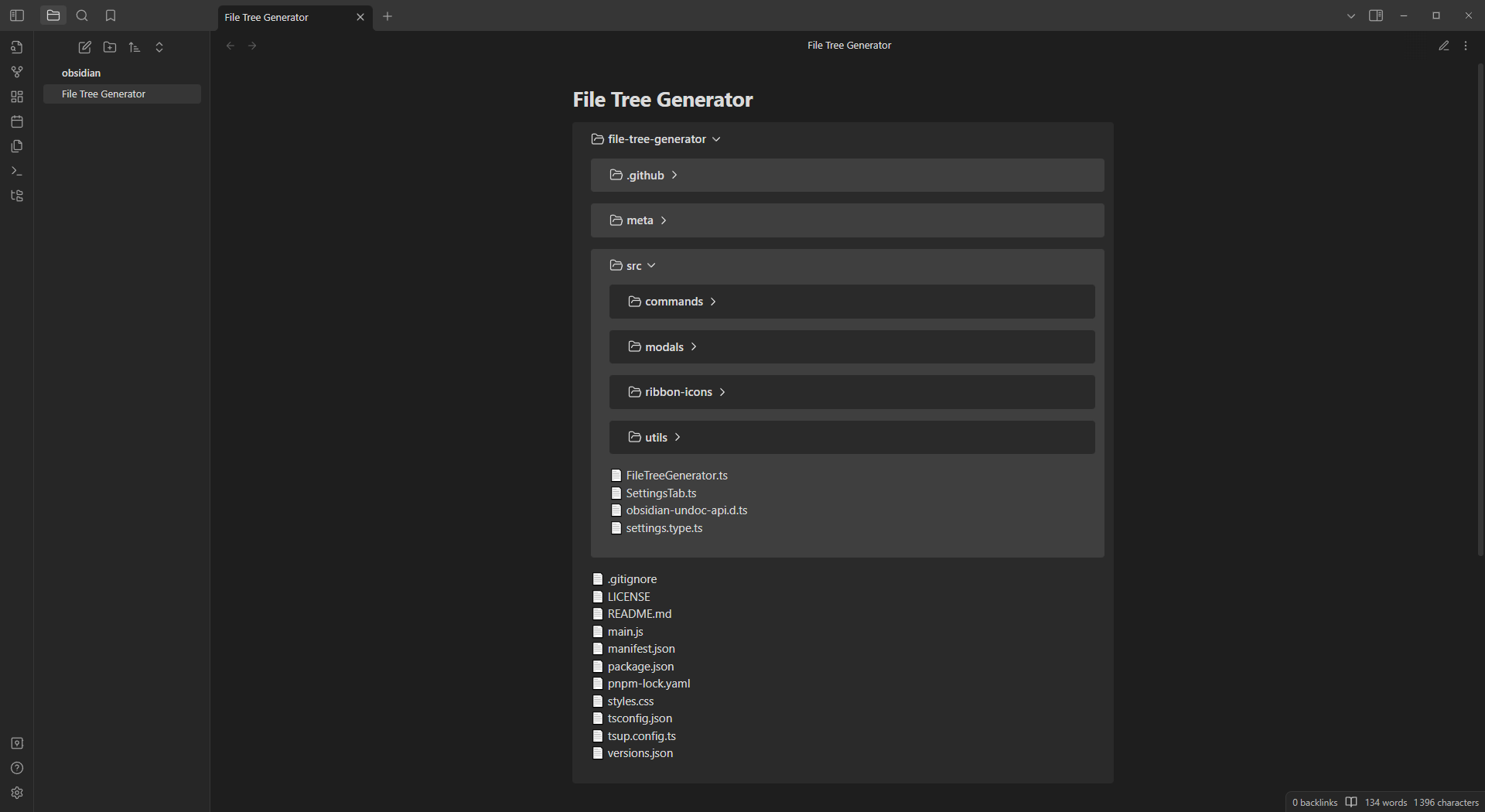
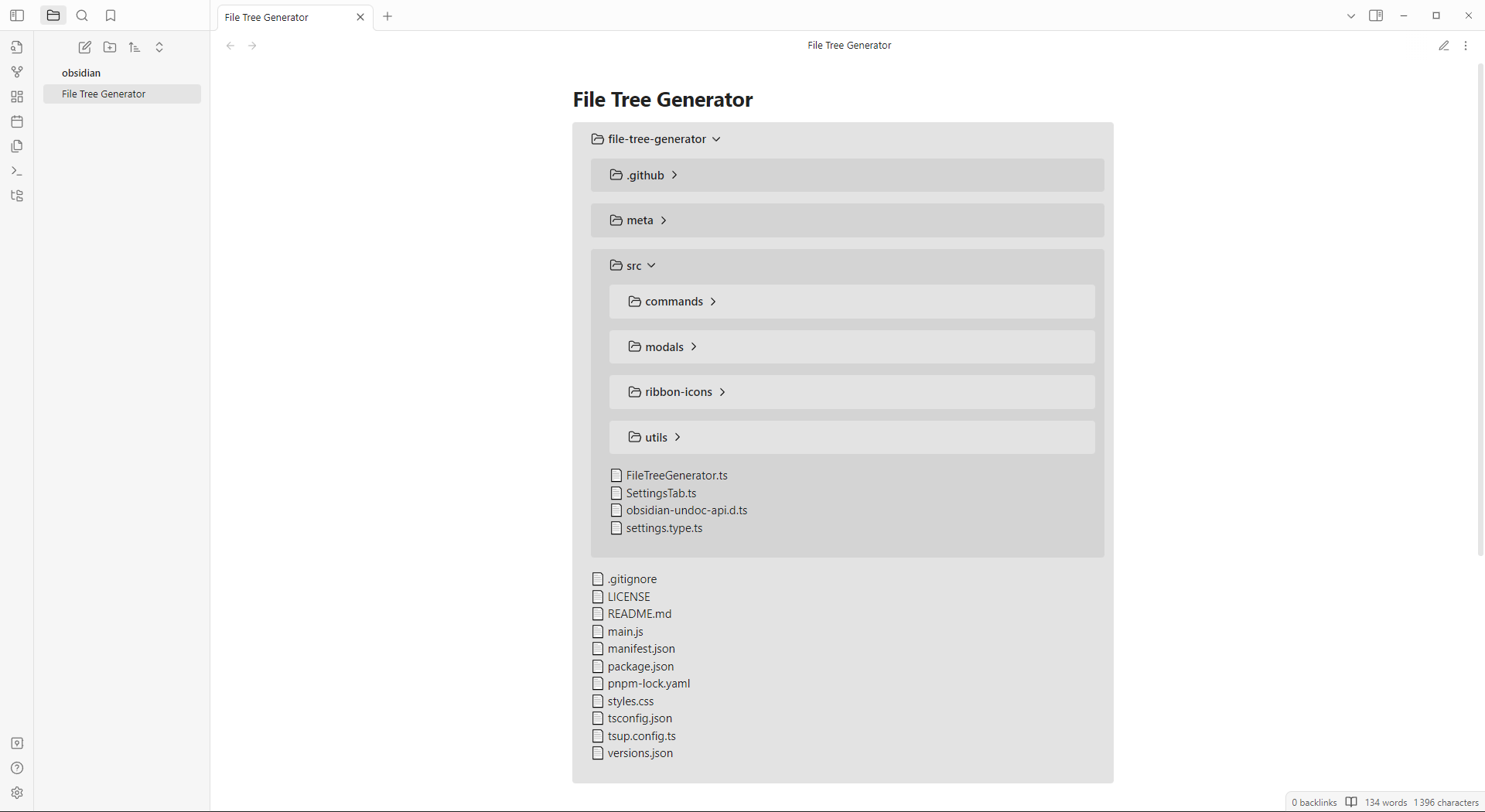
How to use?
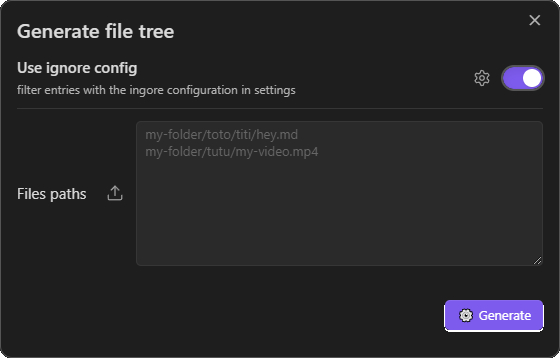
When editing an Obsidian note, you can use generate file tree command or use the generate file tree Ribbon Icon.
Note
if you are on desktop, you can import a folder by pressing the extra button next to your files paths input
As you see, you can ignore patterns of files/folders in the setting tabs.
This patterns follow the gitignore spec 2.22.1

Note
This plugin use FS (desktop only) to load files from your local directory.
Installation
In your vault folder, go to ./.obsidian/plugins/file-tree-generator/
Then you can:
Clone this REPO and run npm run build or directly download latest plugin release containing main.js, manifest.json and styles.css.
Note
If you are a developer, clone this repo -> run
npm i-> start coding withnpm run dev(to hot-reload the plugin in obsidian, install Hot-Reload plugin)