| .vscode | ||
| 0.16.0 scss | ||
| assets | ||
| node_modules | ||
| scss | ||
| .editorconfig | ||
| .gitignore | ||
| .stylelintrc.json | ||
| LICENSE | ||
| manifest.json | ||
| obsidian.code-workspace | ||
| obsidian.css | ||
| obsidian.css.map | ||
| package-lock.json | ||
| package.json | ||
| README.md | ||
| theme.css | ||
| theme.css.map | ||


 Catppuccin for Obsidian




Previews
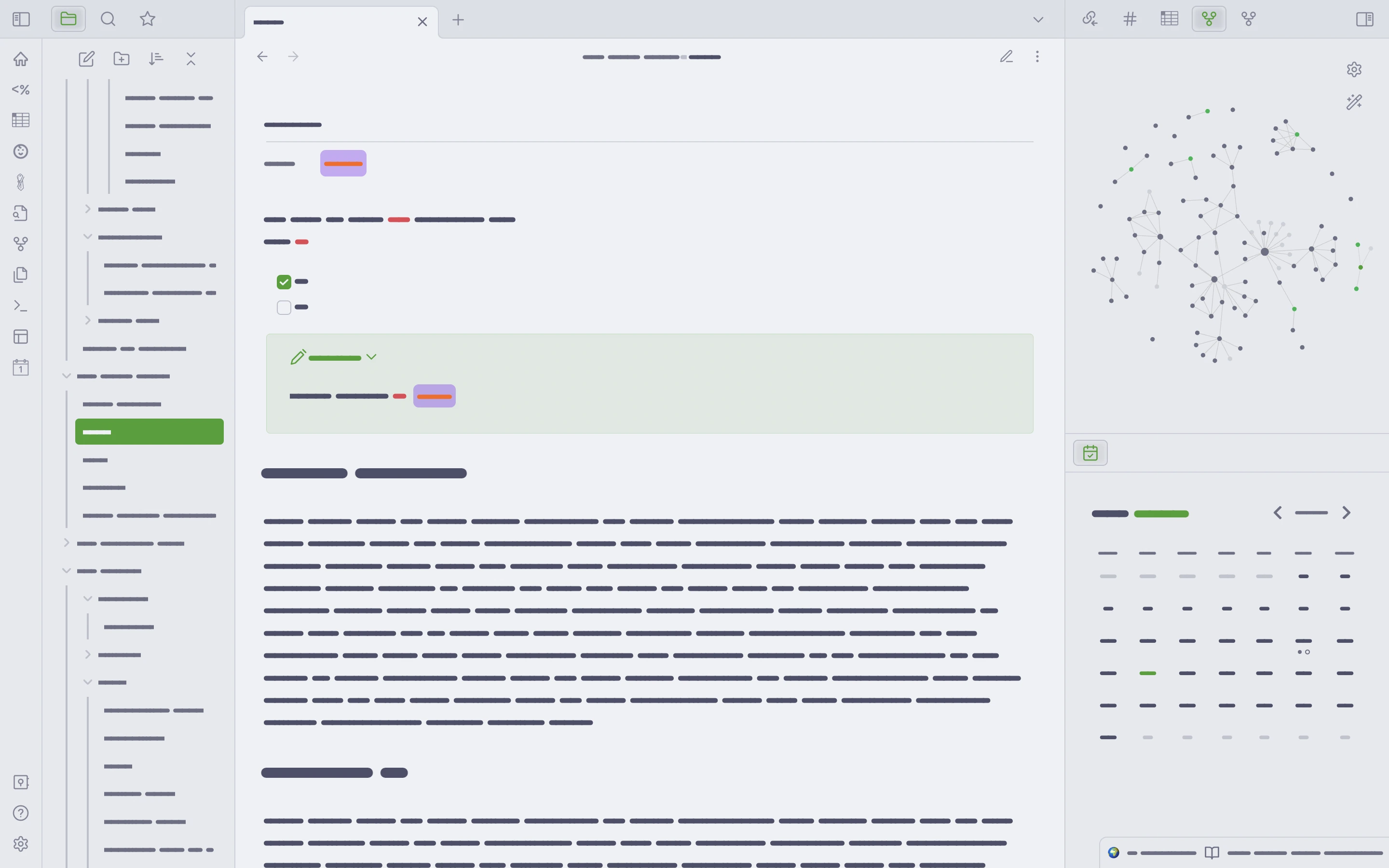
🌻 Latte
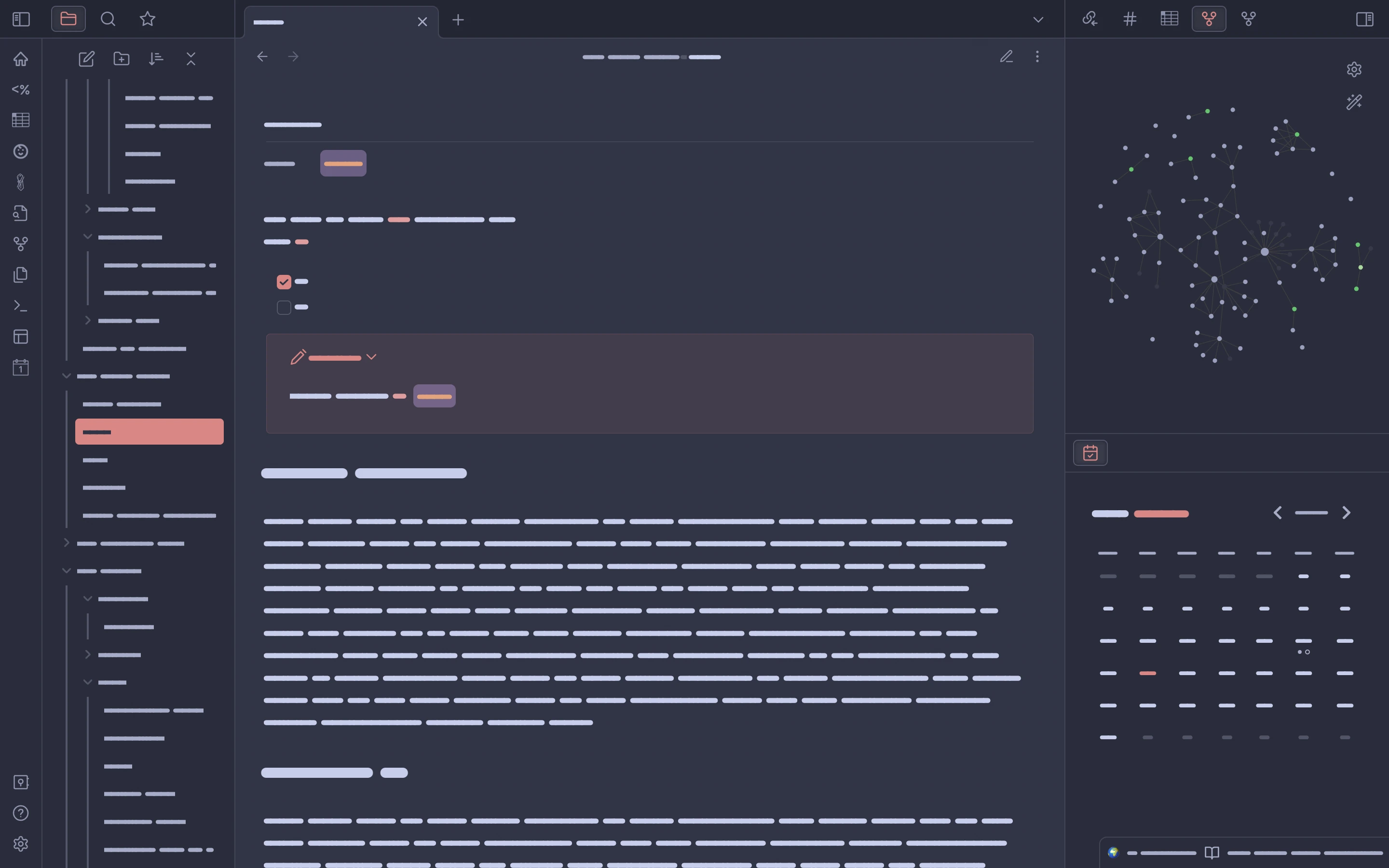
🪴 Frappé
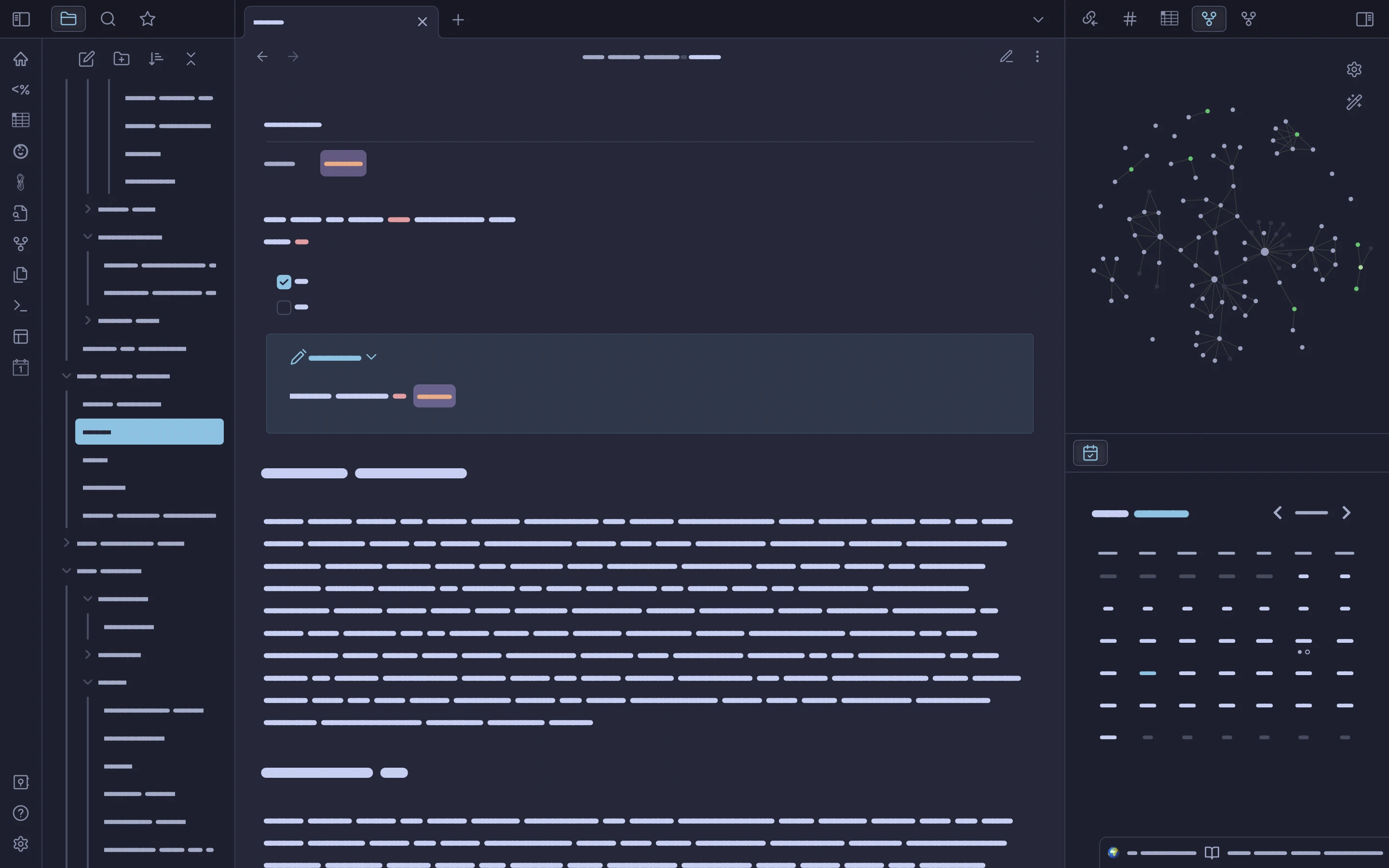
🌺 Macchiato
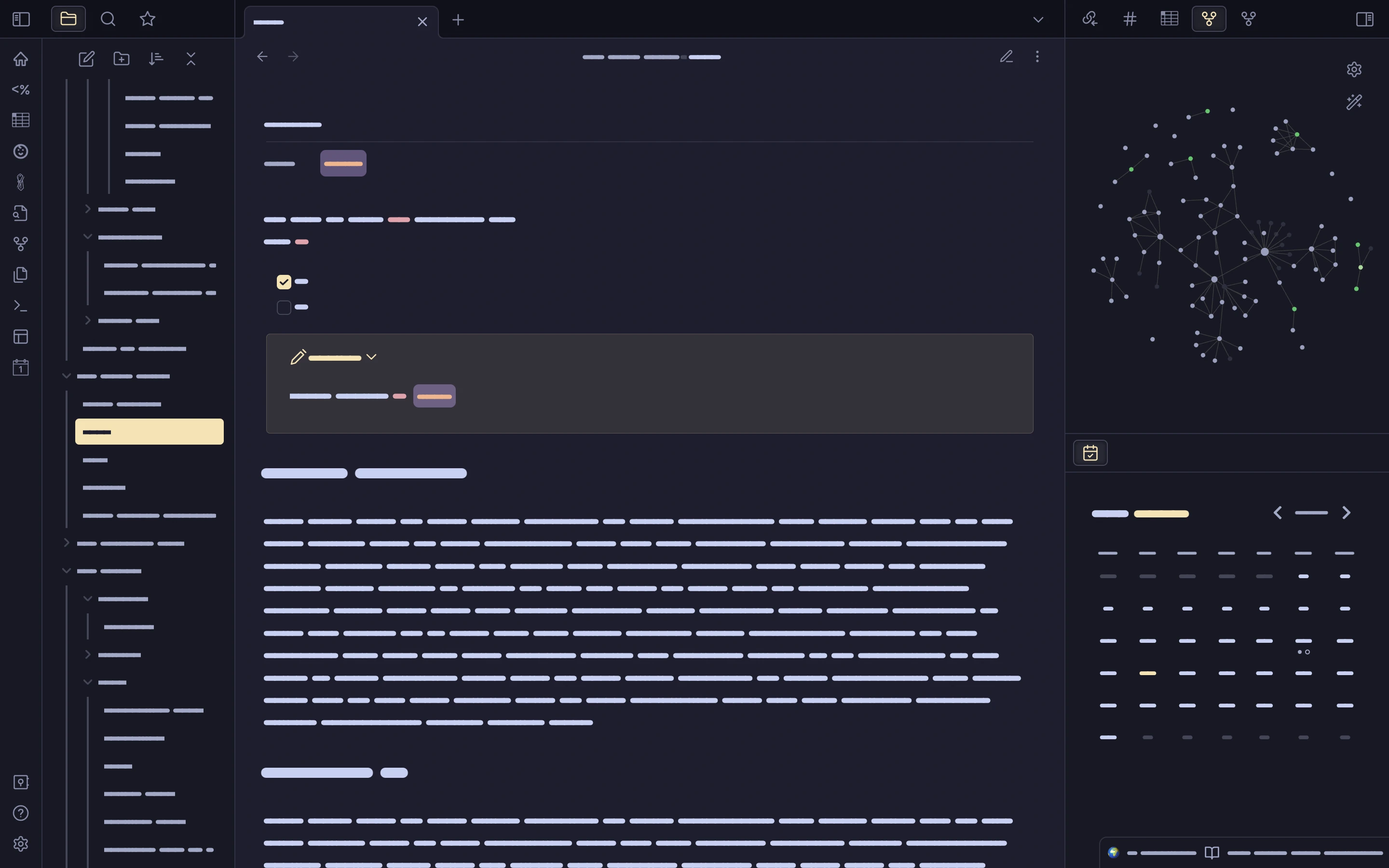
🌿 Mocha
About
This is the initial version of the Catppuccin theme for version 1.0.0 of Obsidian. The Obsidian update came with big changes to the program's UI, so this theme is still a work in progress, with many tweaks and improvements to come.
Usage
This theme currently benefits most when used with the Style Settings plugin. This plugin will allow users to pick from several variations of the Catppuccin theme, including accents for each color in the palette and one that features a broader selection of Catppuccin colors (the default). In time, more options will be exposed through the Style Settings plugin so that users can pick and choose what colors of the palette they prefer.
Obsidian theme store
To install from the Obsidian theme store:
Open Obisidian and go to Preferences >> Appearance, click Manage and scroll down to 'Community Themes.' Type 'Catppuccin' in the filter bar and then click 'Use' under the theme name.
Development
See the Releases page for the latest news.
Please be aware that, due to the newness of the theme, there may be use cases I've not considered or inconsistencies I haven't yet noticed. If you find a problem, please open an issue.
Finally, as of the 0.2.0 release of this theme, the CSS is ugly to look at and disorganized. So, pardon the mess, but it will be cleaned up -- promise!
💝 Thanks to
- mbeckrich
- AnubisNekhet
- The talented and kindhearted people in the Obsidian discord's CSS channel. In particular:

Copyright © 2021-present Catppuccin Org
