mirror of
https://github.com/adamfletcher/obsidian-cut-the-fluff.git
synced 2026-07-22 05:46:18 +00:00

1.3 KiB
1.3 KiB
Cut The Fluff (for Obsidian)
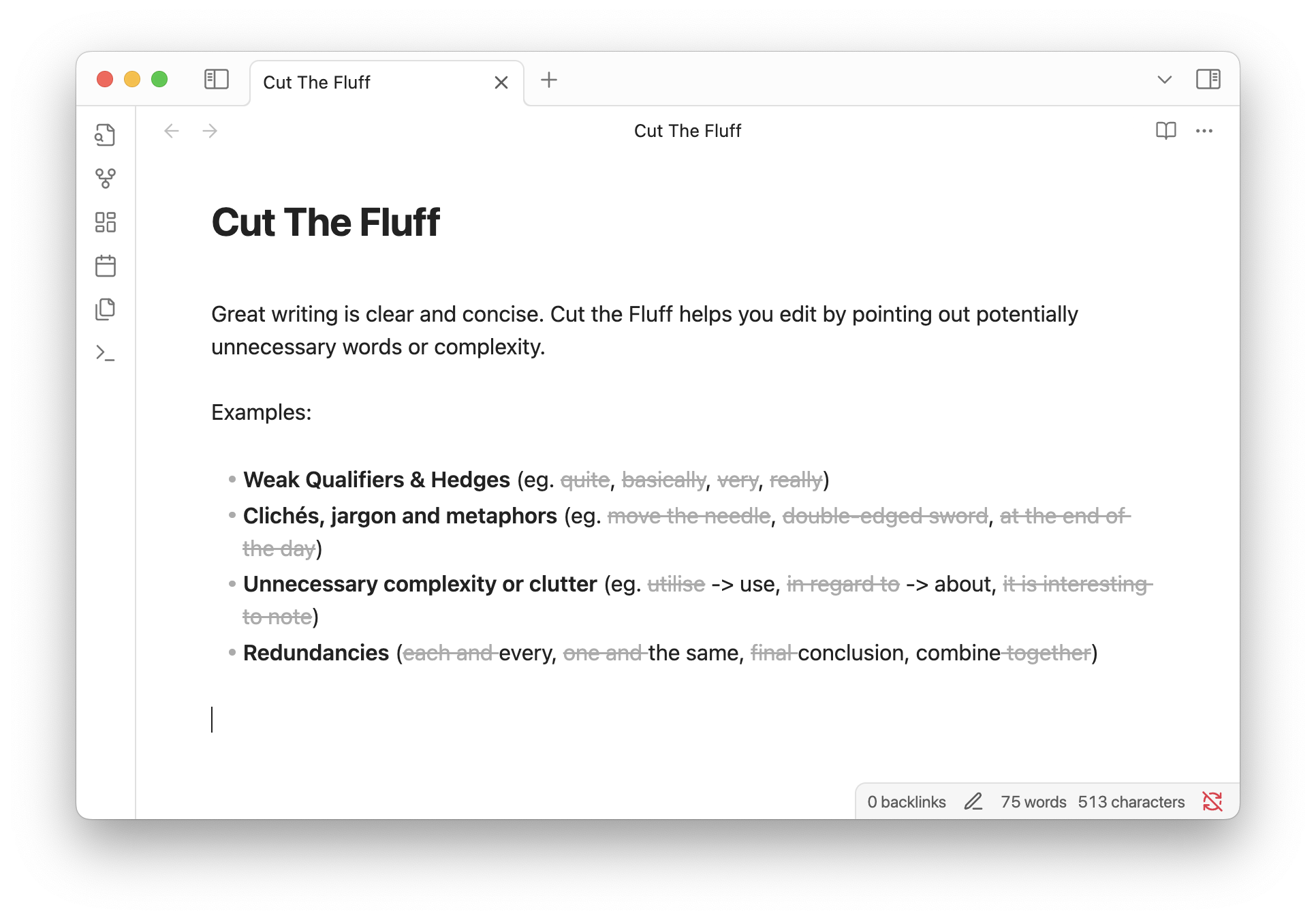
Great writing is clear and concise. Cut the Fluff helps you edit by pointing out potentially unnecessary words or complexity.
Examples:
- Weak Qualifiers & Hedges (eg.
quite,basically,very,really) - Clichés, jargon and metaphors (eg.
move the needle,double-edged sword,at the end of the day) - Unnecessary complexity or clutter (eg.
utilise-> use,in regard to-> about,it is interesting to note) - Redundancies (
each andevery,one andthe same,finalconclusion, combinetogether)
Installation
Install via the Obsidian Plugins Directory
Privacy
All processing happens locally on your device. Your text or any other data is never sent to a remote server by this plugin.
Customization
Rules
There are 4 built-in rulesets matching the categories from the examples above which can each be enabled and disabled. You can add custom words and phrases, or add an exception for any of the built-in matches.
Display
- Dim
- Strikethrough
- Underline
- None
If you select 'None' the plugin will apply a fluff class to any matches allowing you to apply custom formatting in your user stylesheet.