1.8 KiB
Obsidian File Color
What is this?
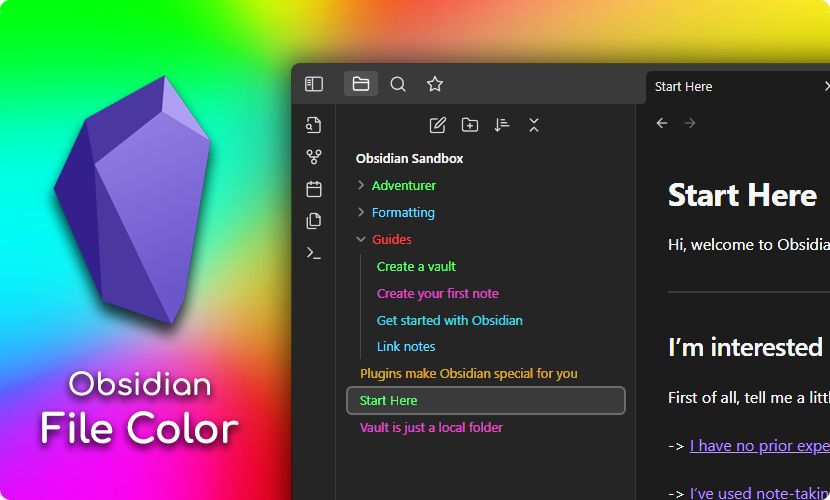
This is a plugin for Obsidian, which allows you to select colors for your files and folders in the file explorer.
Usage
Setting the color for a file or folder is done by right clicking on the file in the file explorer and selecting Set color. This opens a modal where you can select all the colors defined in the plugin palette.

Changing the palette
To add colors to the palette open the plugin settings, and click the + button. Then use the color picker to select the color, and input a name for the color. Afterwards it will appear in the Set color modal. You can add as many colors as you need.

Compatibility
This plugin has been tested with a few other community plugins:
- Icon Folder
- Should work out of the box, and colors should automatically be applied to the icons as well.
- Folder Note
-
Will also work out of the box, however the underlines added to the files will not be colored.
-
Personally I use the following CSS snippet locally:
.nav-folder.alx-folder-with-note>.nav-folder-title>.nav-folder-title-content {
  text-decoration-style: dotted;
  text-decoration-color: inherit;
}
Which will make make the underline use the colors defined by this plugin. The result looks something like this:

-