
3.3 KiB
WOL Reference Tools
An Obsidian plugin that lets you look up Bible verses and references from wol.jw.org, and add them to your notes inline, in a modal or popover, or in the sidebar.
How it works
ℹ️ The plugin sends the 'value' of the reference - whatever is within the !!, and send that value to a Cloudflare worker, which does a search on wol.jw.org, eg: [https://wol.jw.org/en/wol/l/r1/lp-e?q=ps83:18](https://wol.jw.org/en/wol/l/r1/lp-e?q=ps83:18). It then uses cheerio to parse the HTML, and returns an object containing the reference text and the verse text.
{
  "results": [
    "<p class=\"line\"><span class=\"verse\"><span class=\"verse-number\">18 </span>May people know that you, whose name is Jehovah,</span></p><p class=\"line-secondary\"><span class=\"verse\">You alone are the Most High over all the earth.</span></p>"
  ]
}
Some light formatting is applied for styling purposes, but the results are left otherwise unchanged.
How to use
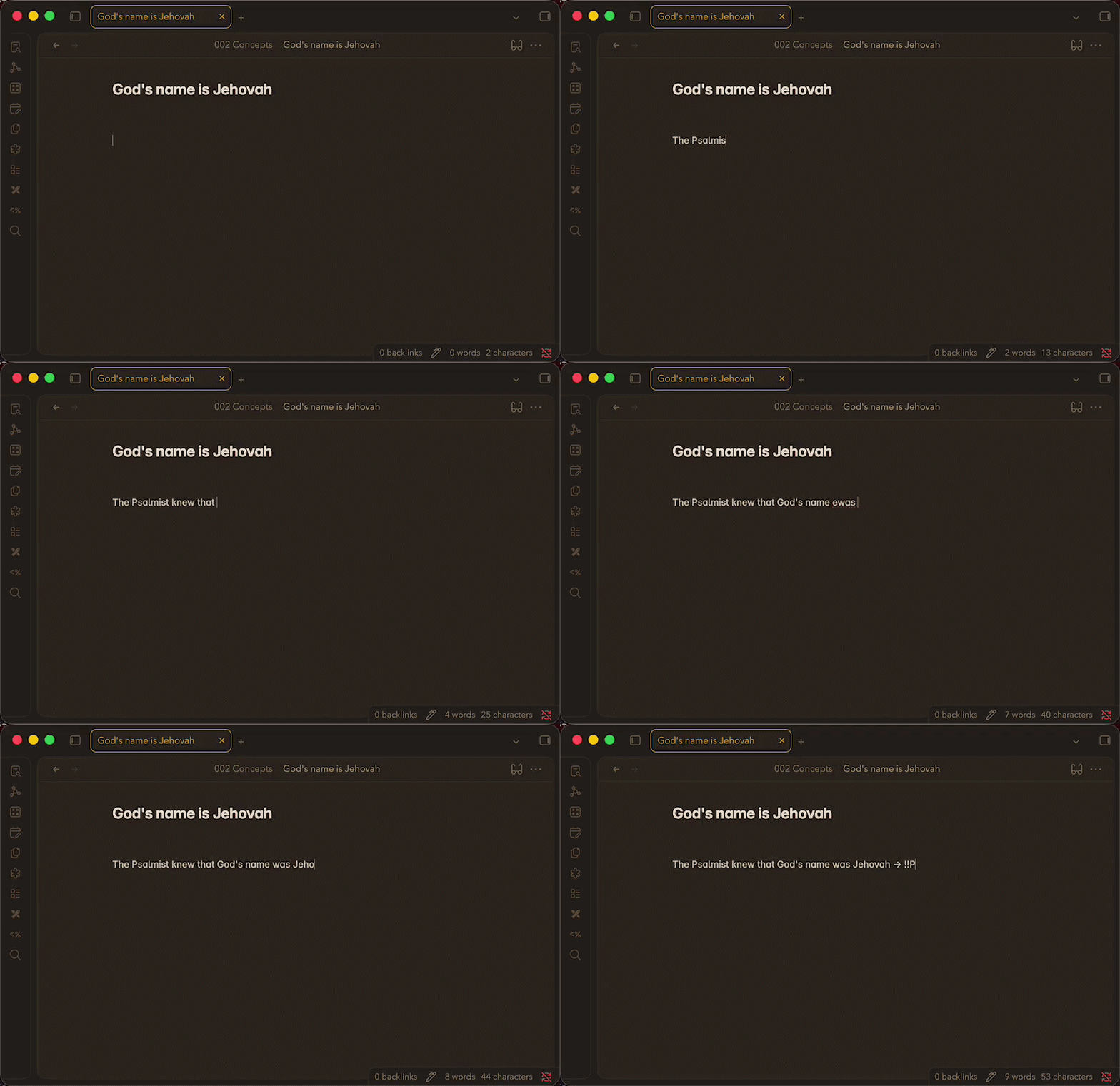
Wrap any reference in !!double exclamation marks!! and it becomes a clickable link. Click it to see the full text from wol.jw.org in a modal or popover. The sidebar panel automatically lists and loads all references in the active note.
To show a verse inline within your note as you're typing, add a > after the double exclamation marks:
!!John 3:16!!>
Add scriptures to your frontmatter using the double exclamation marks and combine that with a dataviewjs query to show any references you've added:
---
scriptures:
  - "!!Daniel 12:1!!"
  - "!!Revelation 12:7, 9!!"
---
const scriptures = dv.current().scriptures ?? [];
scriptures.forEach(s => dv.paragraph(s + "> <br />"));
Features
- Inline reference links —
!!John 3:16!!renders as a styled, clickable link in both Reading and Live Preview modes - Modal & popover display — choose how results appear (configurable in settings)
- Sidebar panel — all references in the current note are fetched and displayed in the right panel
- Inline callout —
!!John 3:16!!>renders the full result as an inline block directly in the editor - In-memory caching — results are cached for 30 minutes per session to avoid redundant requests
Usage
| Syntax | Result |
|---|---|
!!John 3:16!! |
Clickable inline link; click to open result |
!!Isaiah 40:8!! |
Works for any Bible book or WOL search term |
!!John 3:16!!> |
Renders result inline as a callout block |
!!John 3:16; Romans 8:28!! |
Semicolons separate multiple refs in one marker |
Settings
| Setting | Description |
|---|---|
| Reference Display Option | Choose Modal Dialog or Pop-over for click behaviour |
| Reference cache | Clear the in-memory cache to force fresh fetches |