mirror of
https://github.com/kadisonm/obsidian-homework-plugin.git
synced 2026-07-22 08:40:33 +00:00
No description
| .github | ||
| docs | ||
| src | ||
| .editorconfig | ||
| .eslintignore | ||
| .eslintrc | ||
| .gitignore | ||
| .npmrc | ||
| esbuild.config.mjs | ||
| LICENSE | ||
| manifest.json | ||
| package-lock.json | ||
| package.json | ||
| README.md | ||
| styles.css | ||
| temp | ||
| tsconfig.json | ||
| version-bump.mjs | ||
| versions.json | ||

Homework Manager
An Obsidian plugin that makes keeping track of homework easy.
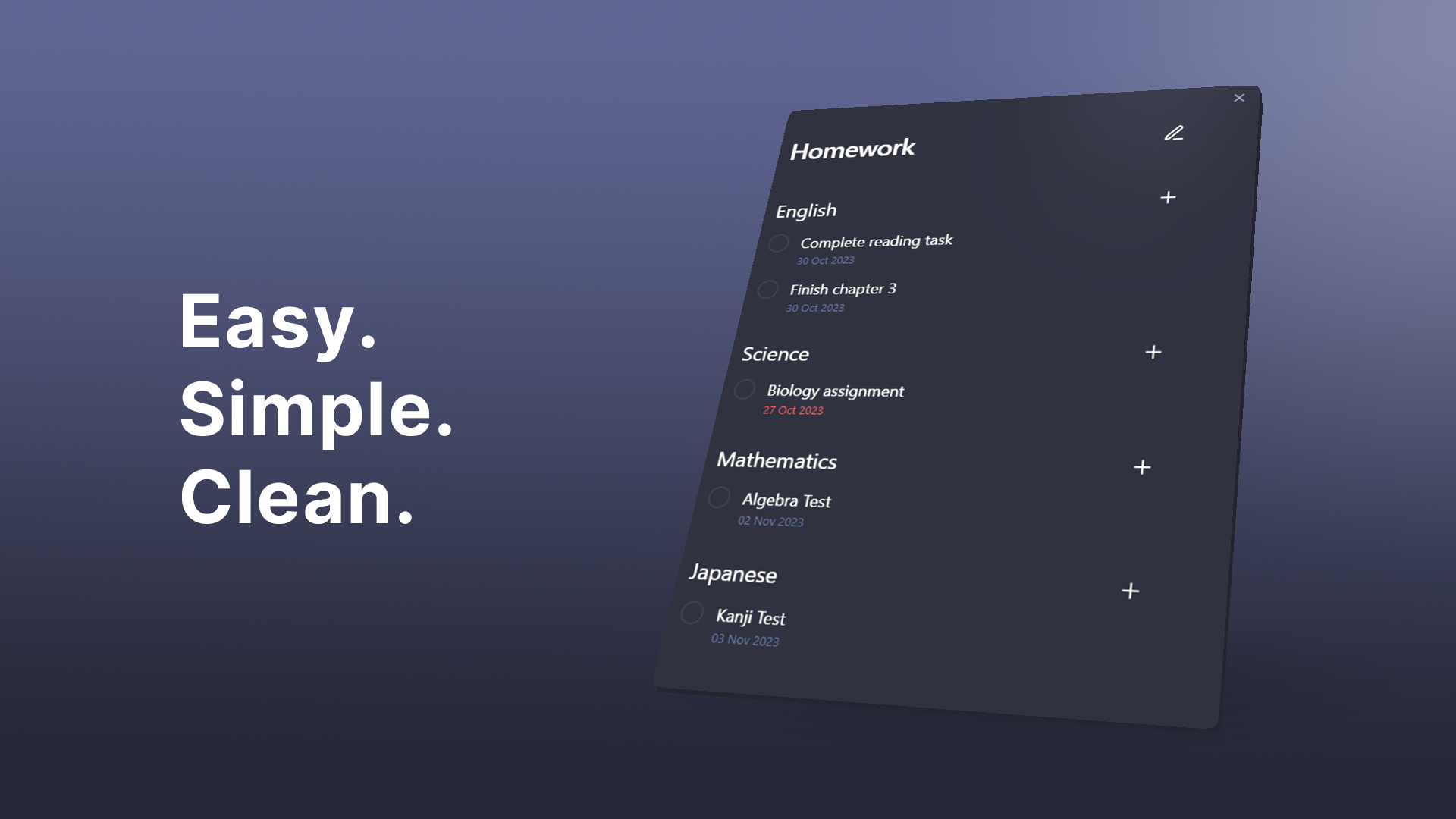
Features • Installation • Usage • Contributing


This add-on is not an official Obsidian add-on.
Features:
- Easy creation of tasks and subjects
- Creating separate views for work and school.
- Task due dates and linking to notes
- Clean and easy to navigate UI
Installation
- Install through Obsidian's Community Plugins and add directly to your vault.
Usage
Press the 🕮 icon on the ribbon bar or run Homework Manager: Open homework to open.
Views
Views contain a collection of subjects and tasks. They act as a folder and can be added or removed by clicking the v dropdown button and then opening the view manager.
Subjects
- Create new subjects by clicking the
vdropdown button and clickingAdd subject - Remove subjects by clicking the
✎button and then the-button next to target subject.
Subjects can be added to your views. These are useful for sorting your tasks by categories.
Create
Remove
Tasks
-
Add to a view: press the
vdropdown button and clickAdd task. -
Add to a subject: Click the
+button next to the subject.⚠ Completing a task cannot be undone ⚠
- Due dates: Due dates can be added to your tasks which will appear red when they are overdue.
- Linked files: Tasks can be linked to notes within your vault. Click on the underlined task to be taken to the linked note.
- Editing a task can be done by clicking the
✎button.
Creation
Options
Editing
Contributing
For more information on contributing, please see development.