| .github/workflows | ||
| .editorconfig | ||
| .eslintignore | ||
| .eslintrc | ||
| .gitignore | ||
| .npmrc | ||
| esbuild.config.mjs | ||
| LICENSE | ||
| main.ts | ||
| manifest.json | ||
| notion.ts | ||
| package-lock.json | ||
| package.json | ||
| pnpm-lock.yaml | ||
| README.md | ||
| styles.css | ||
| tsconfig.json | ||
| version-bump.mjs | ||
| versions.json | ||

Introduction
This plugin can embed your notion video in obsidian through the Notion API, You need to provide Notion intergration secrets in the settings and enter the corresponding block_id to get the content of the block.
Usage
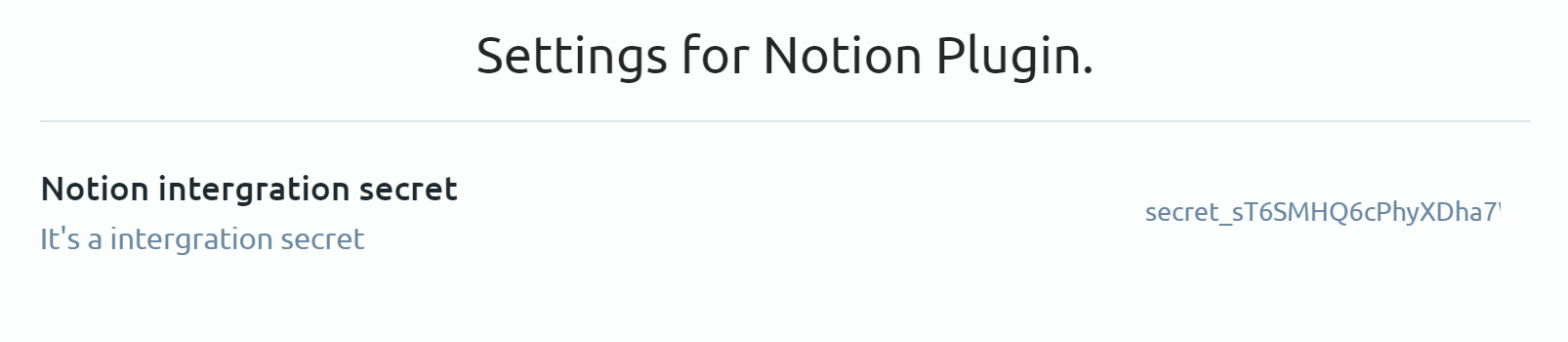
First you need to go to the plugin's settings page and enter secrets here, if you don't know what secrets are you can see this page.
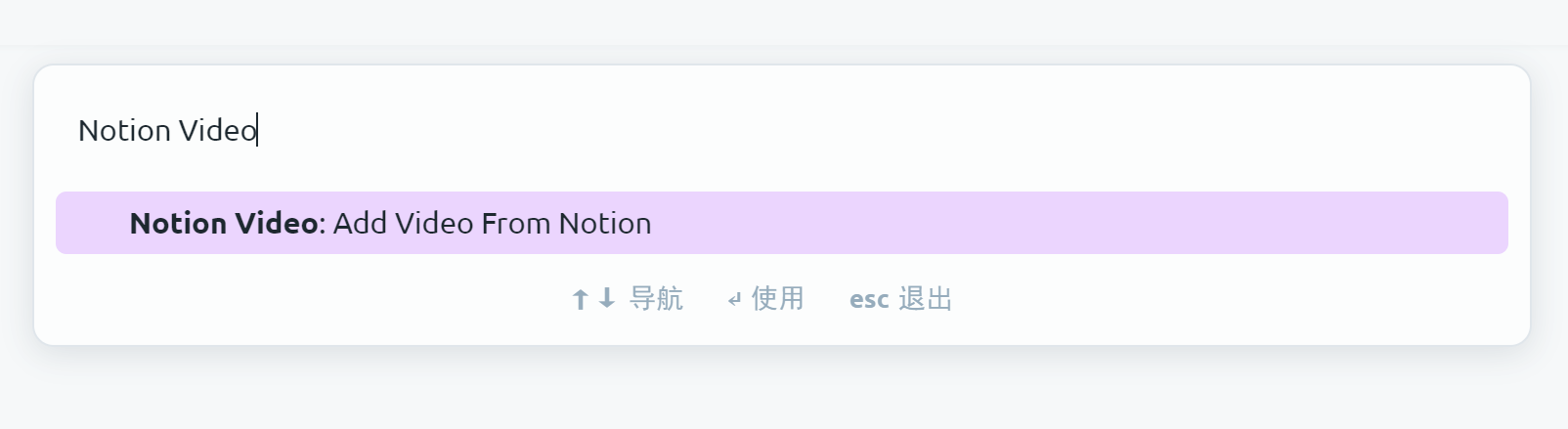
Back to your editor page, press the shortcut Ctrl + P to open the command panel, then type Notion API, then you can see all the relevant commands.
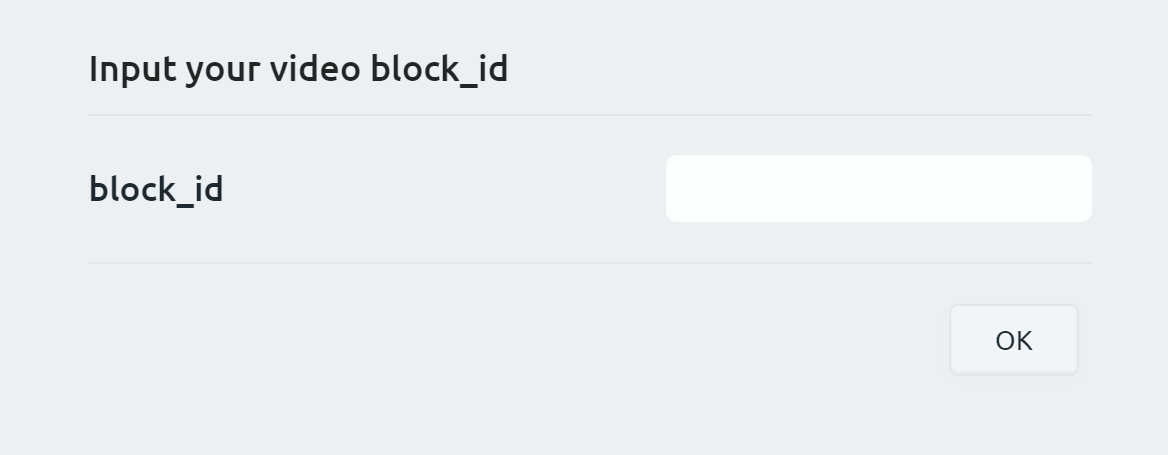
And you will see a modal prompting you to enter block_id. With this block_id you can get the content on the Notion and it will be inserted into the page.
Notice: In order to get the content, you need to share the page where the content is located (or its parent page) to the intergration you created.