| .github/workflows | ||
| assets | ||
| src | ||
| .editorconfig | ||
| .eslintignore | ||
| .eslintrc | ||
| .gitignore | ||
| .npmrc | ||
| esbuild.config.mjs | ||
| LICENSE.txt | ||
| main.ts | ||
| manifest.json | ||
| package-lock.json | ||
| package.json | ||
| README.md | ||
| styles.css | ||
| tsconfig.json | ||
| version-bump.mjs | ||
| versions.json | ||

Extended File Support for Obsidian
This plugin aims to add viewing and embedding support for various file types in Obsidian. It does not aim to allow these files to be edited. This is considered to be outside of the scope of this plugin.
File types can be toggled in the settings.
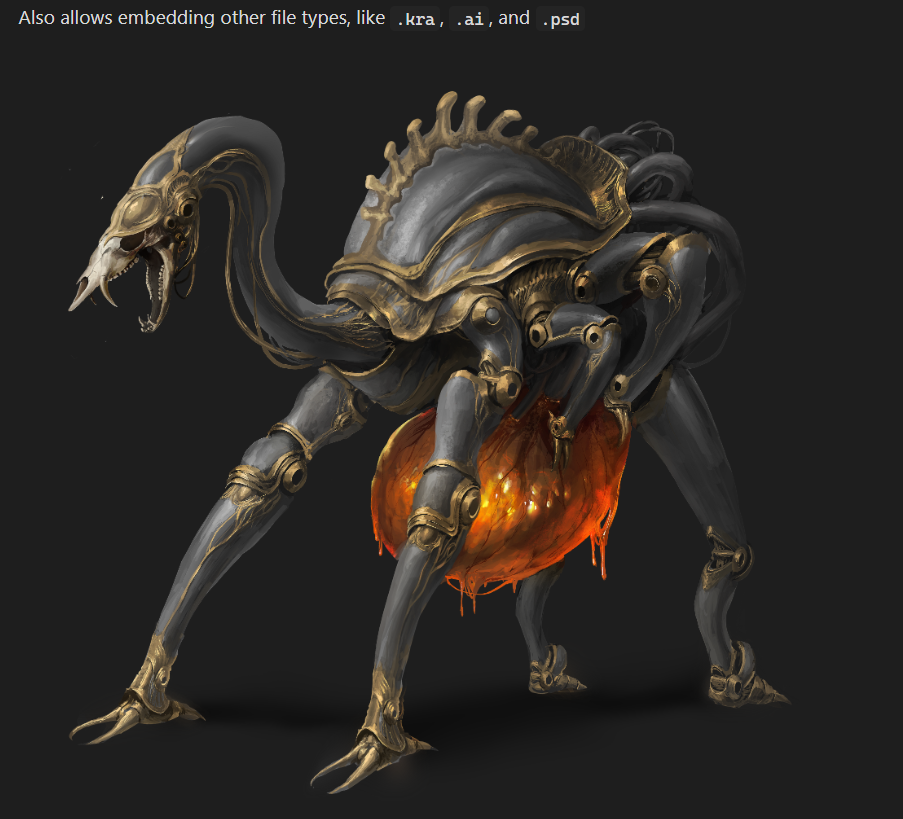
.kra file provided and made by Tio Tzen Ann (Artstation, Instagram).
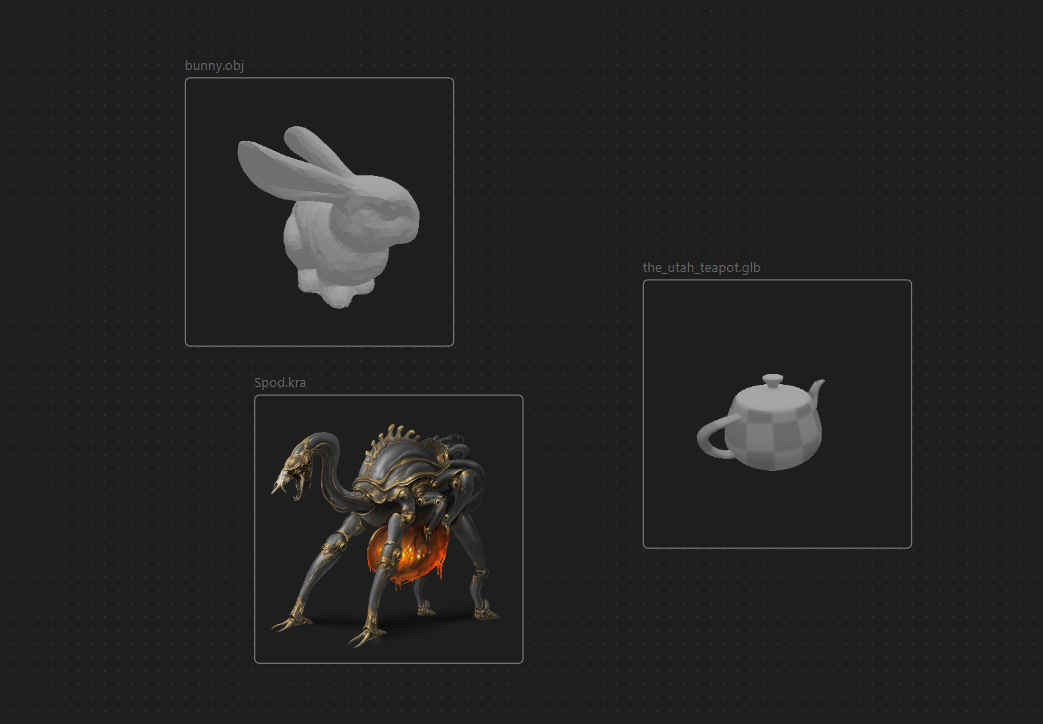
Also works in Canvas.
Currently Supported
The file types that are currently supported are:
.kra(Files made in Krita).psd(Photoshop, other visual programs).ai(Adobe Illustrator).clip(Clip Studio Paint).gltf,.glb(3D scene format).obj(3D object format).stl(3D format, often used for 3d printing)
Settings
When embedding files, the following settings can be added as ![[file.ext|setting1=value;setting2=value]] or .
All files:
widthorwidthxheightin which bothwidthandheightare numbers. Follows the way images are embedded in Obsidian, and allows for the width and height of the embed to be changed.
3d files (.obj, .gltf, .glb, .stl):
spin=trueorspin=false, overrides the default setting on whether to animate 3d models.camPos=x,y,zin whichx,y, andzare the coordinates the camera should have.camLookAt=x,y,zin whichx,y, andzare the coordinates the camera should look at.
Note that with spin/animation enabled, camPos will not work, and camLookAt may not have the desired behavior, because the camera moves around.
Additionally, 3d objects that are loaded in are placed on (0, 0, 0) and scaled to fit in a unit cube.
.ai files:
scale=number, will override the default setting for.aifile scaling. High values might cause high loading time.
Contributing
If you wish to contribute to the plugin, feel free to open a pull-request or an issue.
If you're thinking about implementing a large feature, please open an issue first or contact me on discord at n_1ck
so we can figure out if it's a good fit for this plugin.