mirror of
https://github.com/ryanpcmcquen/obsidian-focus-mode.git
synced 2026-07-22 05:30:28 +00:00
No description
| .gitignore | ||
| .prettierrc.json | ||
| LICENSE | ||
| main.ts | ||
| manifest.json | ||
| obsidian-command-focus-mode-demo-v1.gif | ||
| obsidian-focus-mode-demo-v2.gif | ||
| obsidian-focus-mode-demo-v3.gif | ||
| obsidian-focus-mode-demo.gif | ||
| obsidian-super-focus-mode-demo-v2.gif | ||
| package.json | ||
| README.md | ||
| rollup.config.js | ||
| styles.css | ||
| tsconfig.json | ||
| versions.json | ||



Obsidian Focus Mode
Add Focus Mode to Obsidian.
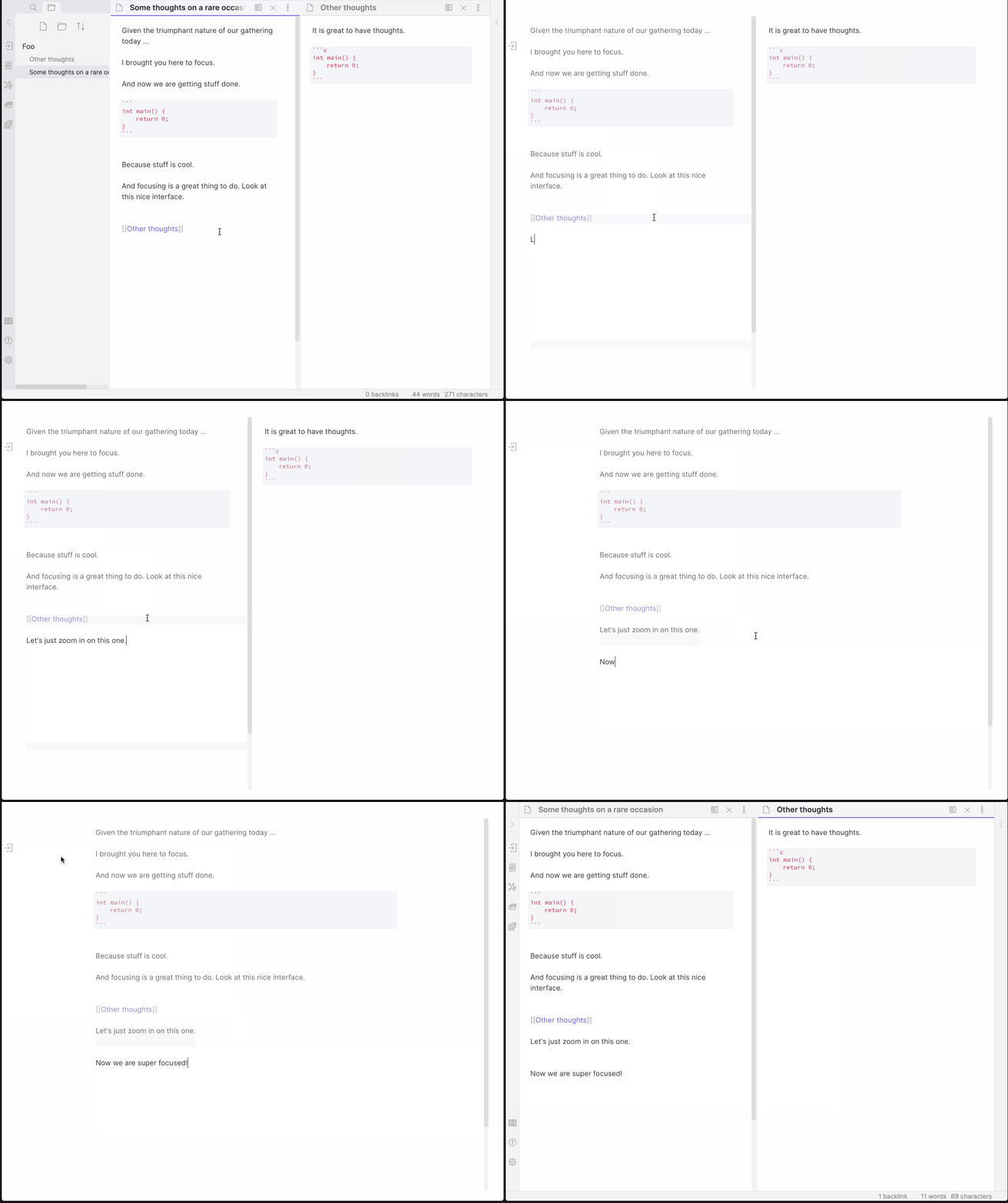
Now with Super Focus Mode (Shift + Left Click), which will only focus on the active pane. The original behavior still exists on a normal Left Click.
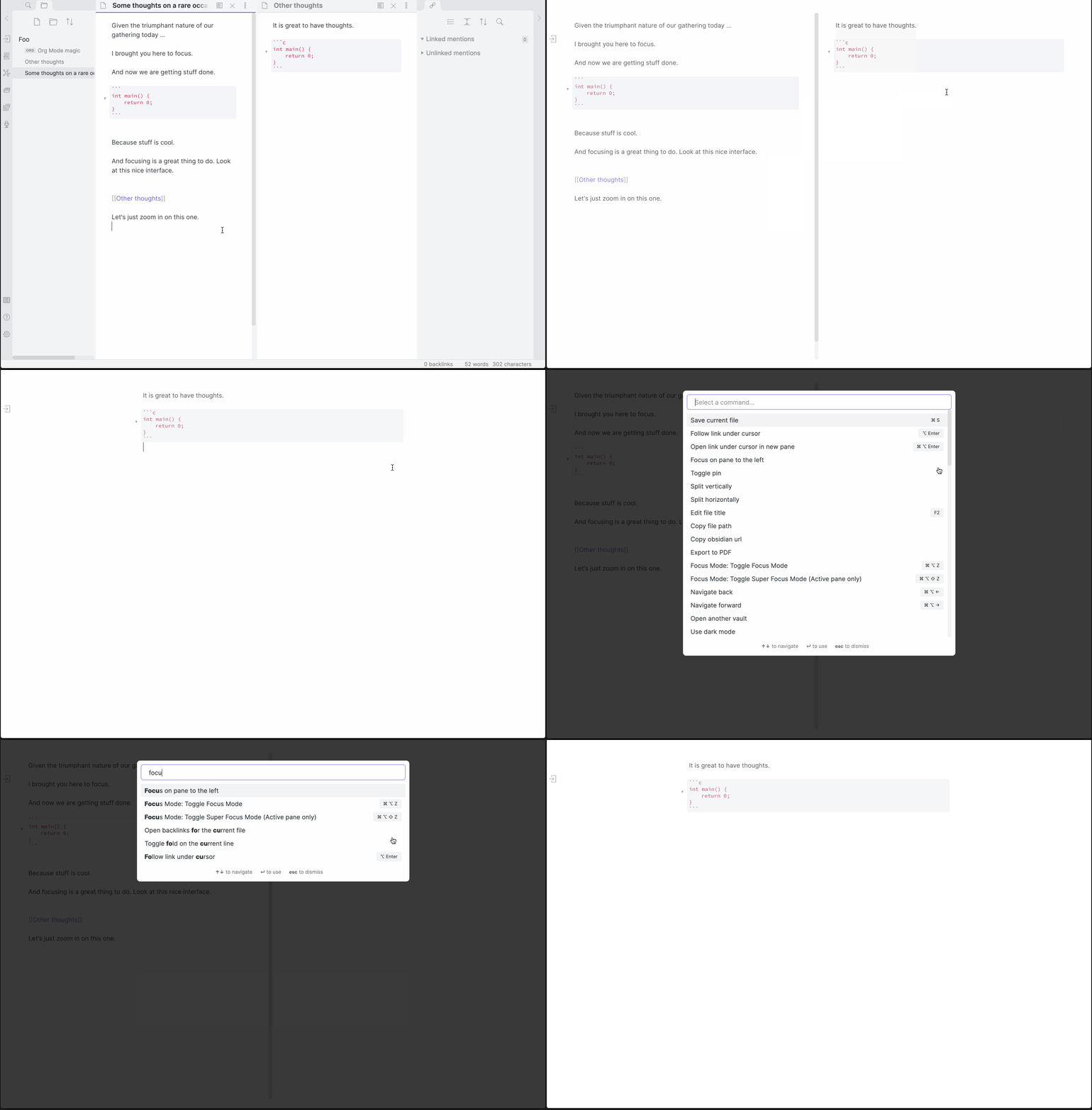
Hotkeys
| Hotkeys | Action |
|---|---|
| Cmd/Ctrl + Alt + Z | Toggle Focus Mode |
| Cmd/Ctrl + Alt + Shift + Z | Toggle Super Focus Mode (Active pane only) |
Customizing the plugin's appearance:
Classes are added to document.body depending on the state. focus-mode exists in Normal and Super Focus modes, while super-focus-mode, only exists in Super Focus Mode (surprise!).
The following CSS snippet added to a vault will remove the opacity on non-active lines:
.focus-mode .cm-s-obsidian .cm-line:not(.cm-active),
.focus-mode .cm-s-obsidian div:not(.CodeMirror-activeline) > .CodeMirror-line {
    opacity: 1 !important;
    filter: saturate(1) !important;
}
Manually installing the plugin:
- Copy over
main.js,styles.css,manifest.jsonto your vaultVaultFolder/.obsidian/plugins/obsidian-focus-mode/.