mirror of
https://github.com/zhouhua/obsidian-waveform-player.git
synced 2026-07-22 05:41:57 +00:00
No description
| .github | ||
| i18n | ||
| screenshots | ||
| src | ||
| .gitignore | ||
| .typesafe-i18n.json | ||
| esbuild.config.mjs | ||
| eslint.config.js | ||
| LICENSE | ||
| main.css | ||
| manifest.json | ||
| package.json | ||
| pnpm-lock.yaml | ||
| README.md | ||
| tsconfig.json | ||
| version-bump.mjs | ||
| versions.json | ||

Waveform Audio Player Plugin
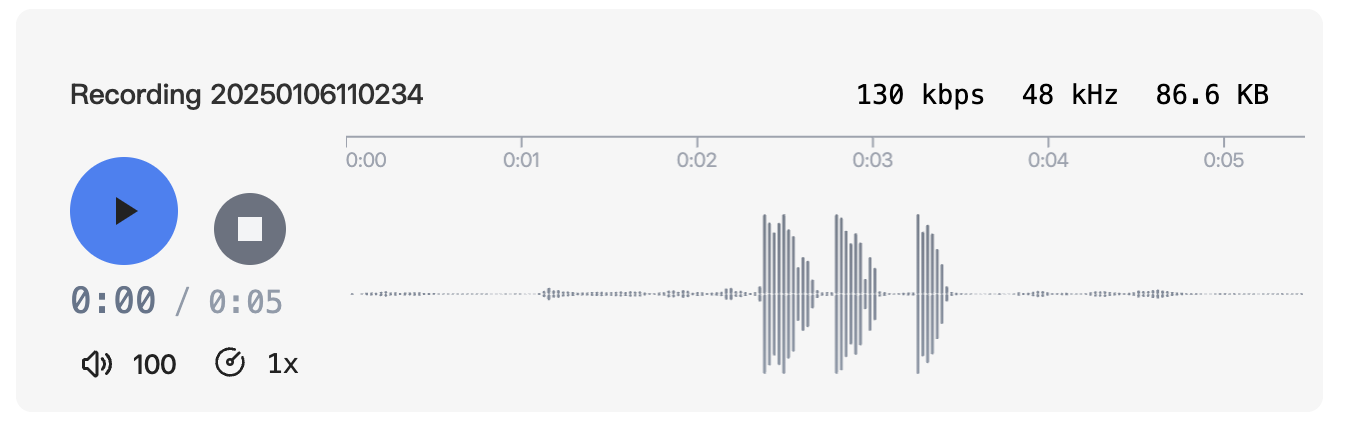
A plugin that enhances the display of audio files in Obsidian, supporting both audio attachments and recorded audio files.
Features
- Beautiful audio player interface
- Support for audio attachments (MP3, WAV, etc.)
- Support for Obsidian recorded audio
Preview
Before

After
Installation
From Obsidian Community Plugins
- Open Obsidian Settings
- Go to
Community Plugins - Disable
Safe Mode - Search for "Audio Beautifier"
- Click Install
- Enable the plugin
Usage
Once installed, the plugin automatically enhances the appearance of all audio files in your vault. No additional configuration needed.