mirror of
https://github.com/cannibalox/ono-sendai_obsdn.git
synced 2026-07-22 03:00:23 +00:00
No description
| obsidian.css | ||
| ono-sendai_obsdn_00.png | ||
| ono-sendai_obsdn_00a.png | ||
| ono-sendai_obsdn_001.png | ||
| ono-sendai_obsdn_002.png | ||
| ono-sendai_obsdn_003.png | ||
| ono-sendai_obsdn_004.png | ||
| ono-sendai_obsdn_005.png | ||
| ono-sendai_wysiwymheadings.gif | ||
| README.md | ||



Ono-Sendai_obsdn
!! note: this theme is currently unmaintained, and will not work properly in newer obsidian versions. !!
description
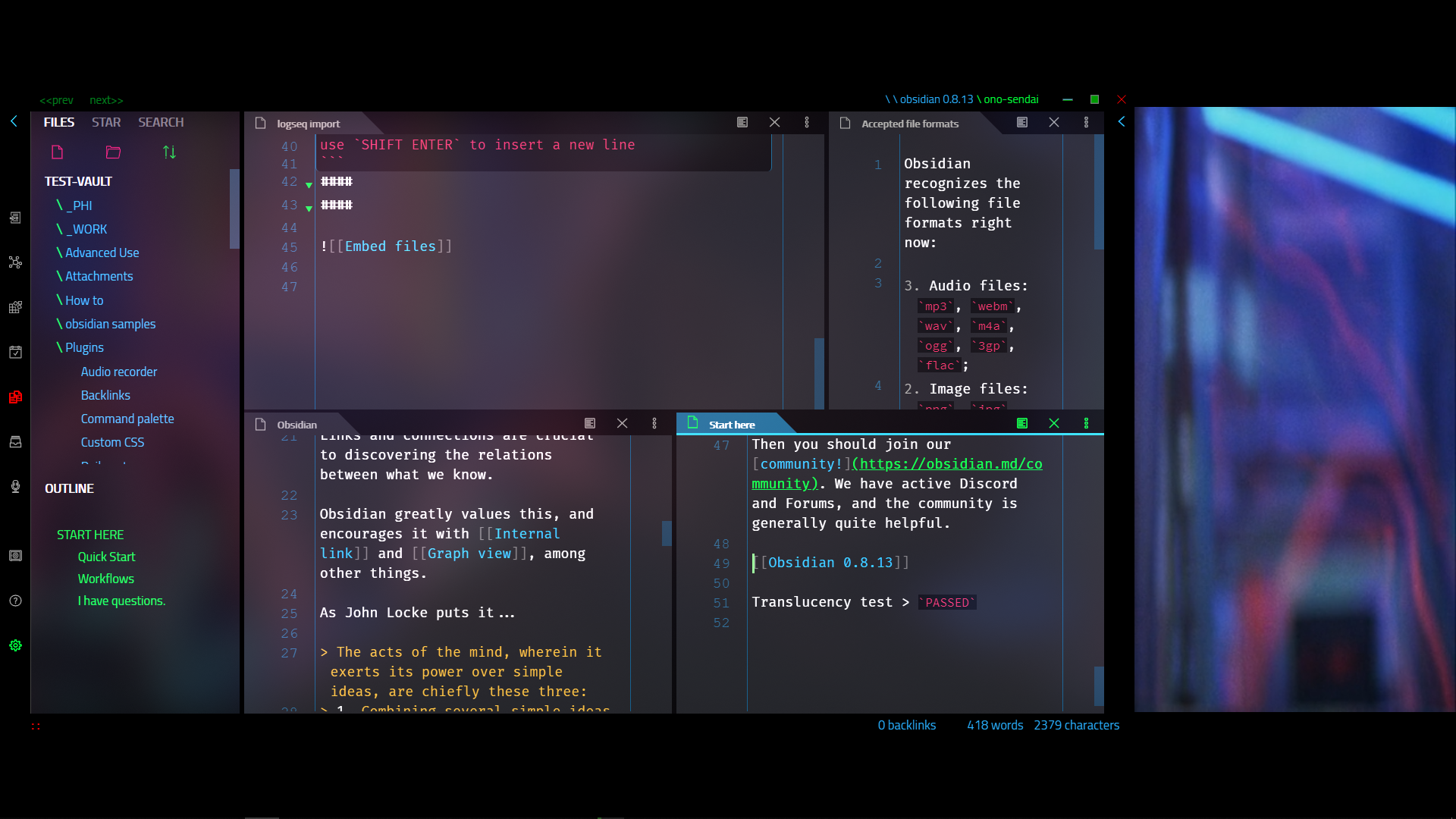
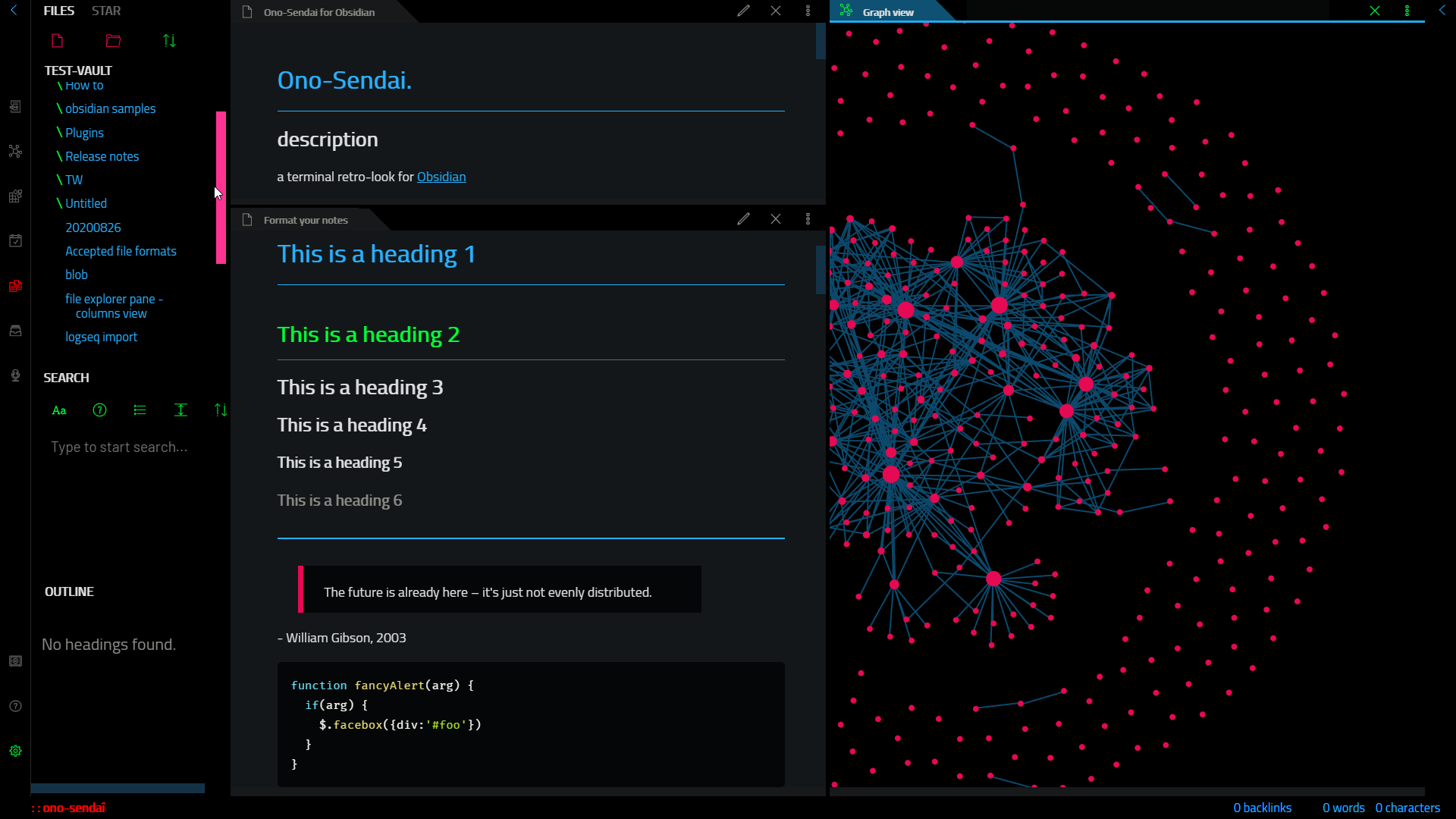
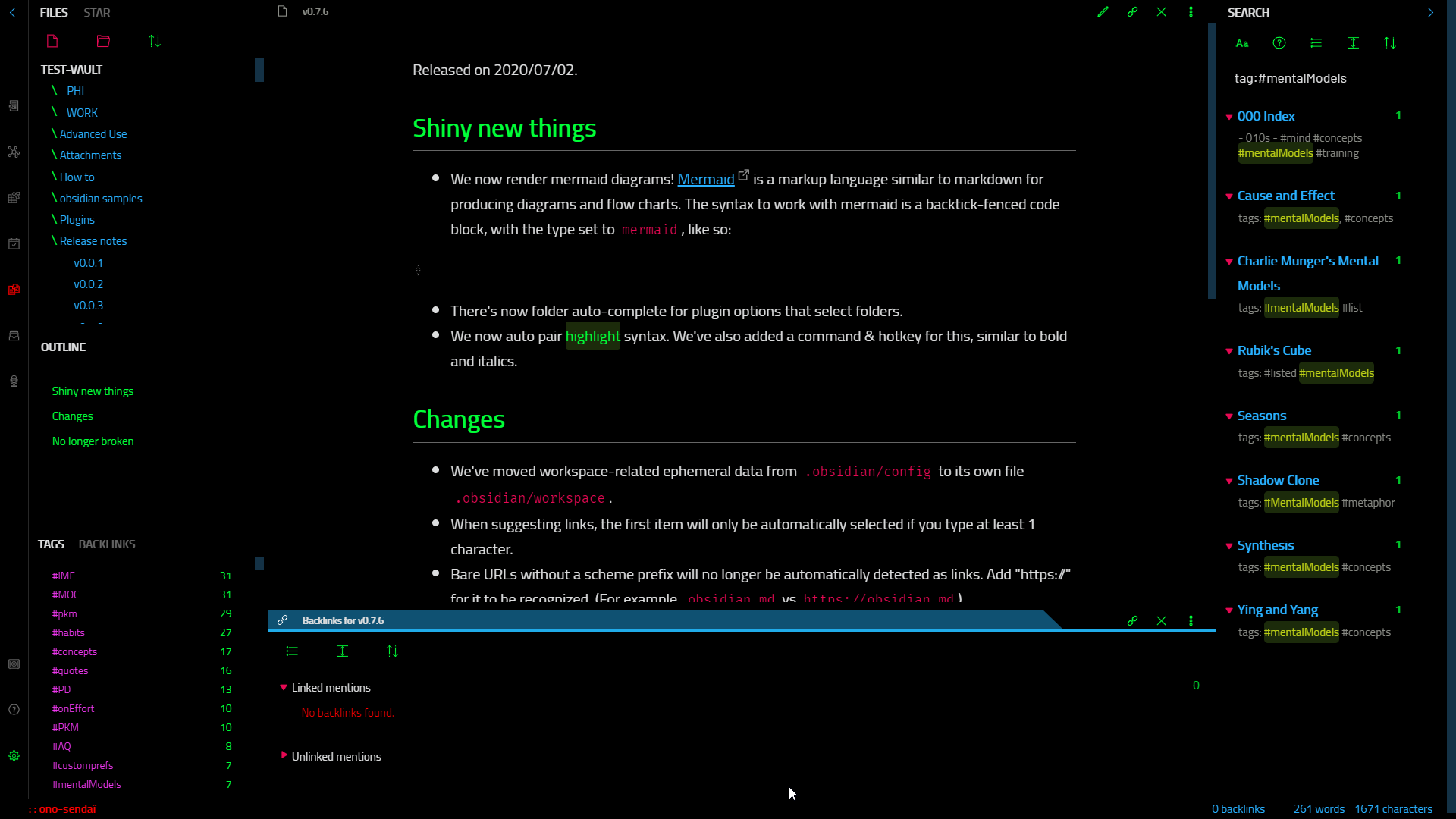
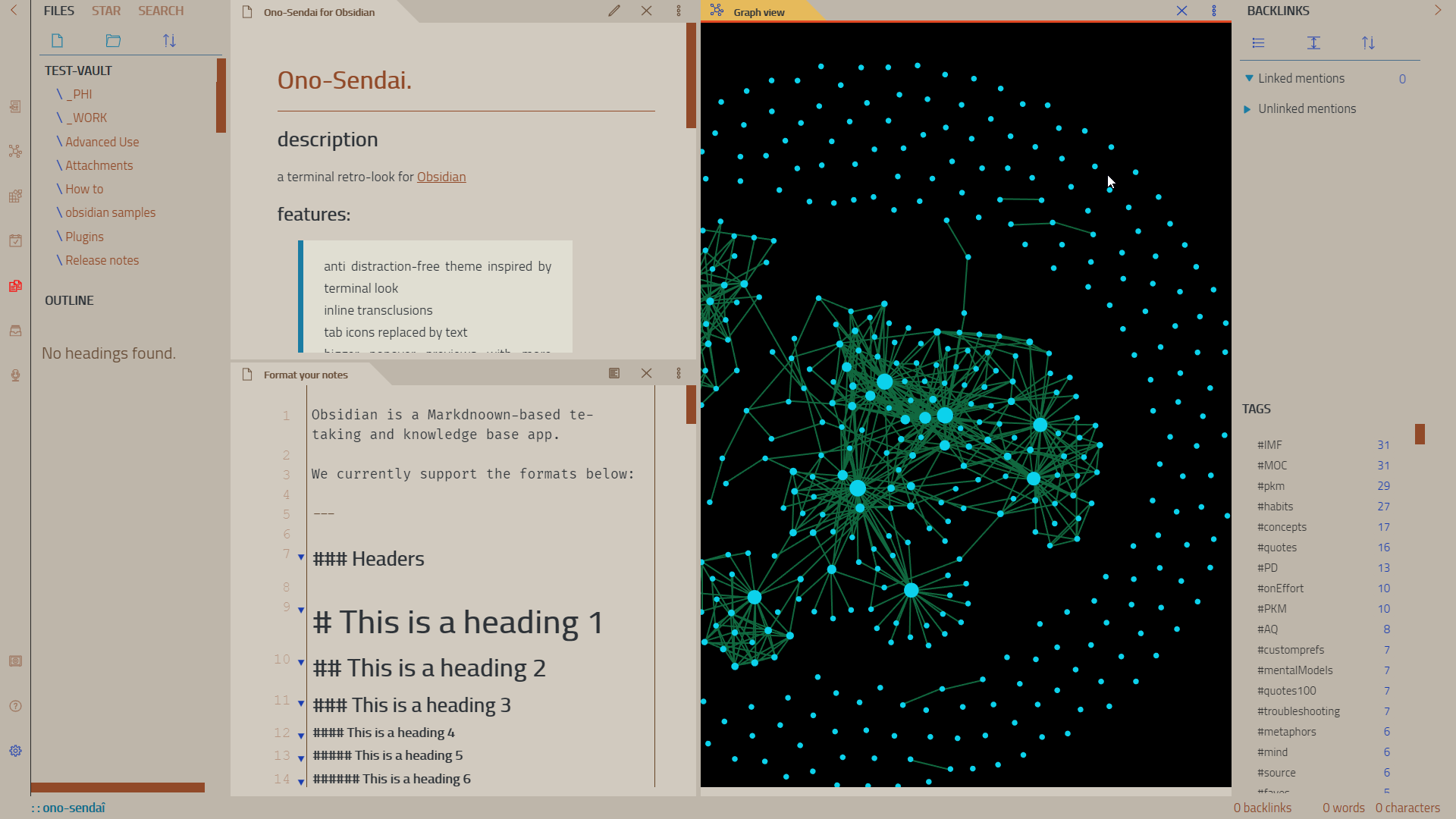
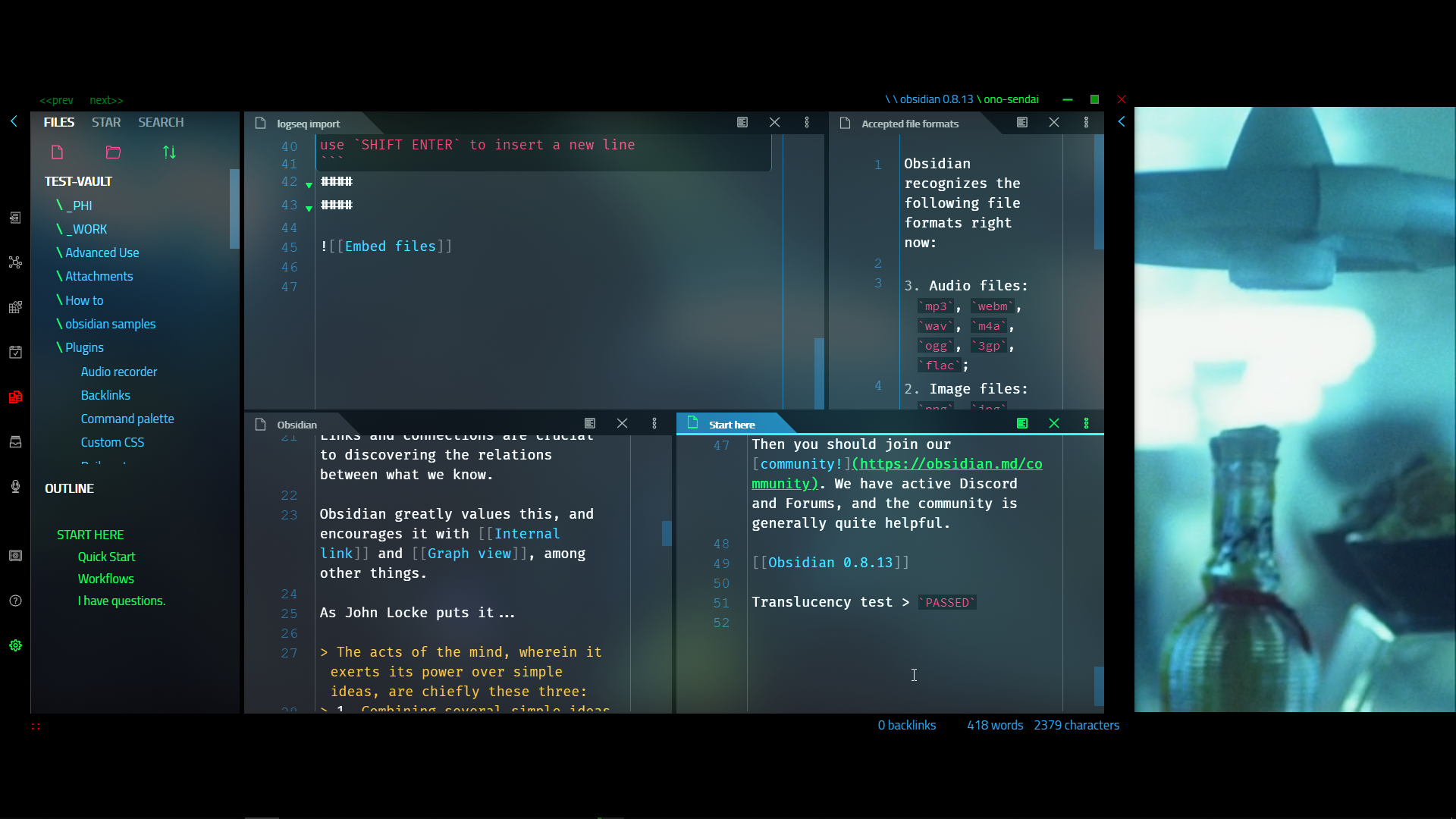
a terminal retro-look for Obsidian
https://github.com/cannibalox/ono-sendai_obsdn/assets/4605693/28669765-4f7f-454d-856b-b34e303f05b3
features:
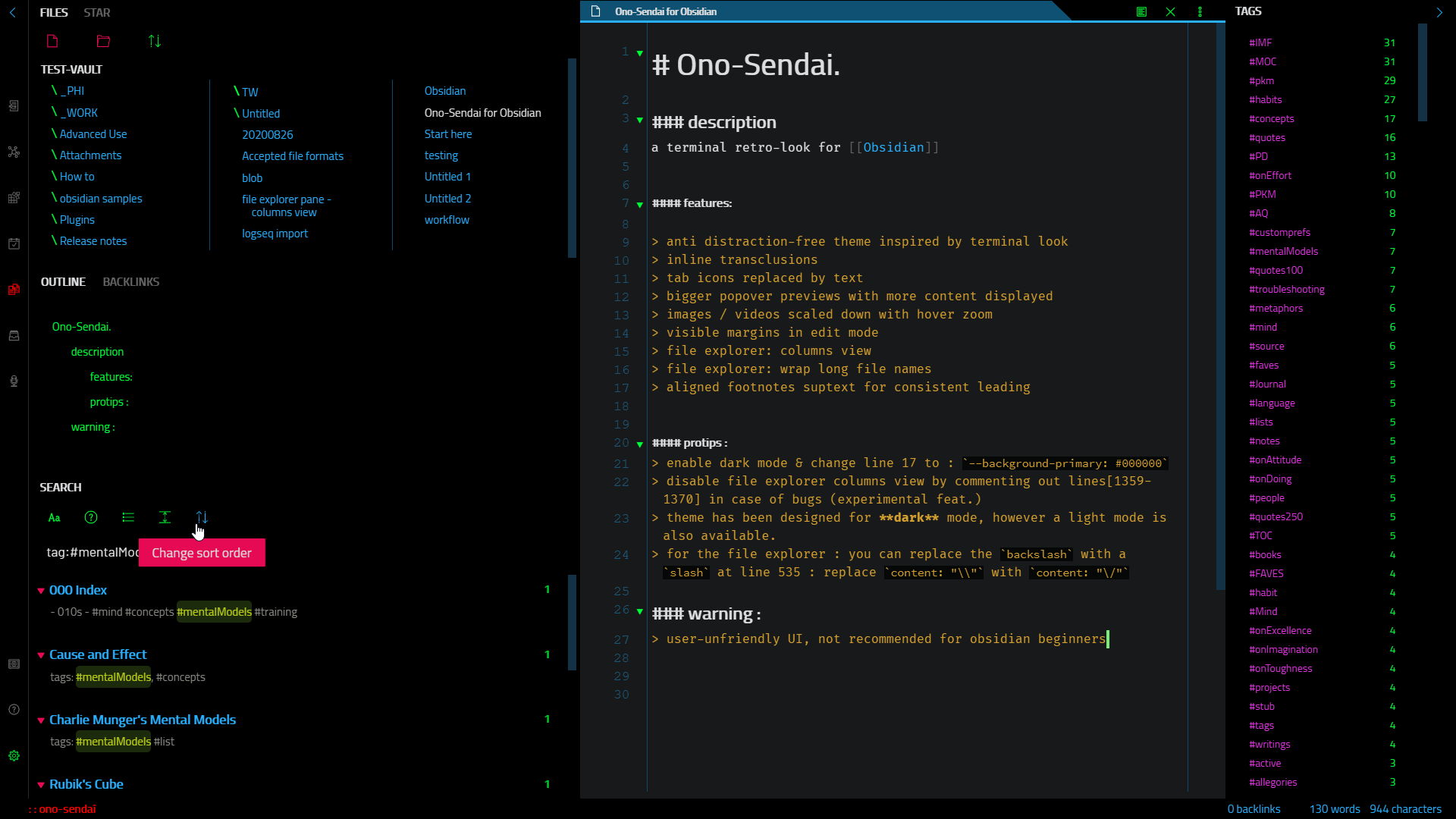
- anti distraction-free theme with a terminal flavor
- inline transclusions
- tab icons replaced by text
- bigger popover previews with more content displayed
- images scaled down with hover zoom
- visible margins in edit mode
- file explorer: columns view
- file explorer: wrap long file names
- aligned footnotes suptext for consistent leading
protips :
- full dark mode : enable dark mode & change line 19 to :
--background-primary: #000000to enable the full dark mode - disable file explorer columns view by commenting out lines[2182-2185] in case of bugs (experimental feat.)
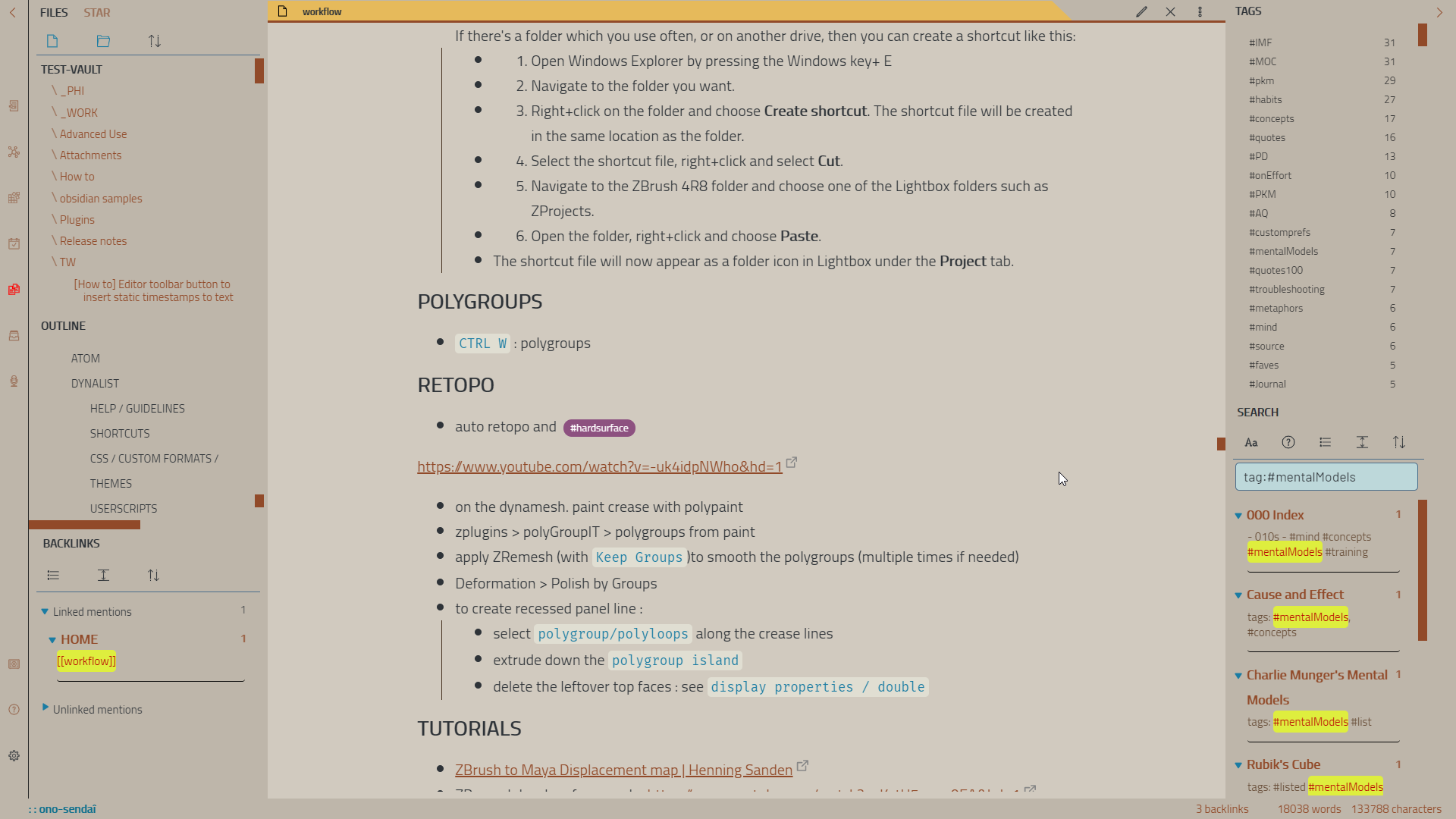
- theme has been designed for dark mode, however a light mode is also available.
- for the file explorer : you can replace the
backslashwith aslashat line 602 : replacecontent: "\\"withcontent: "\/"
warning :
user-unfriendly UI, not recommended for obsidian beginners
installation :
- first backup your current css theme / css snippets
- copy the file obsidian.css in the root of your obsidian folder (or browse and install from the community themes inside Obsidian's settings)
- the font used in the screenshots is Cairo : https://fonts.google.com/specimen/Cairo?query=Cairo&selection.family=Armata|Cairo&sidebar.open=true (font should be installed locally before running obsdidian)