mirror of
https://github.com/marcoluzi/obsidian-synthwave.git
synced 2026-07-22 03:20:30 +00:00
No description
| README-images | ||
| src | ||
| .editorconfig | ||
| .env.example | ||
| .gitignore | ||
| .prettierrc | ||
| LICENSE | ||
| obsidian.css | ||
| package.json | ||
| README.md | ||
| screenshot.jpeg | ||
| webpack.mix.js | ||
| yarn.lock | ||


Obsidian SynthWave
An Obsidian Theme that brings the 80's into your Notes.
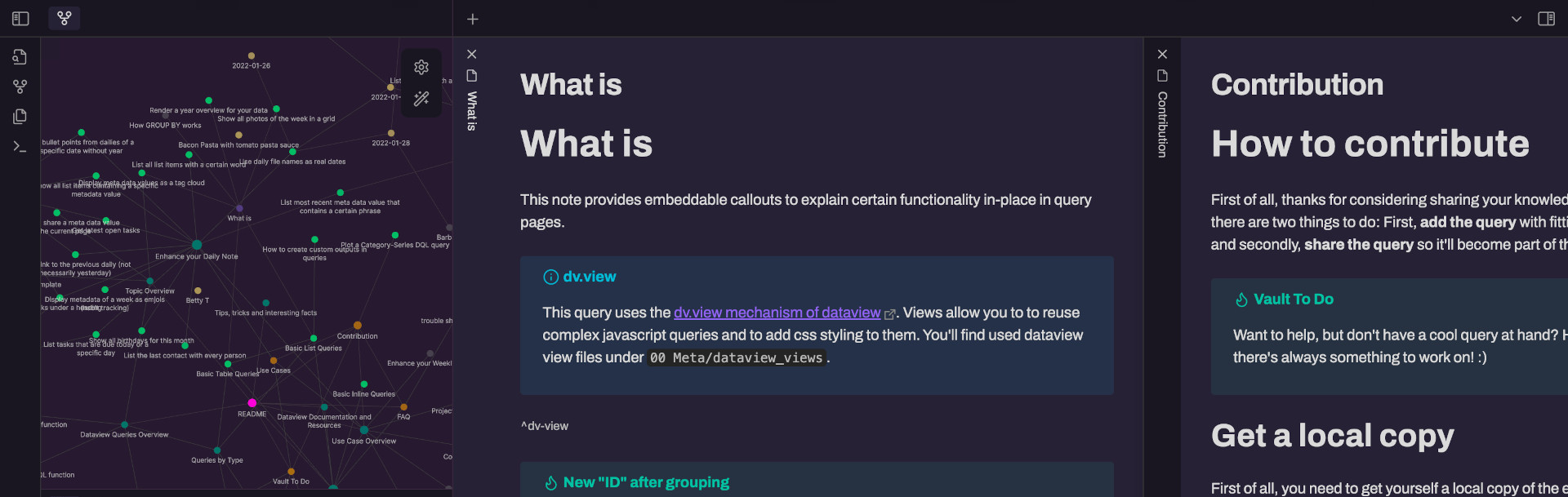
About
This theme is inspired by robb0wen's SynthWave '84 VSCode Theme, my all-time favourite VSCode theme.
Installation
This theme is available in the Obsidian theme library. If you want to install this theme manually please follow these steps:
- Click on the Settings symbol on the lower left side of Obsidian
- Click on the Appearance tab
- Under the section “CSS snippets”, click on the folder icon on the right
- Paste the obsidian.css file into folder, that was opend through the step above
- Go back to your Obsidian Settings and click the refresh button
- Activate the obsidian.css snippet