| assets | ||
| LICENSE | ||
| logo.png | ||
| manifest.json | ||
| README.md | ||
| screenshot.png | ||
| theme-demo.md | ||
| theme.css | ||



Electrocution
A high-voltage neo-brutalist theme for Obsidian.
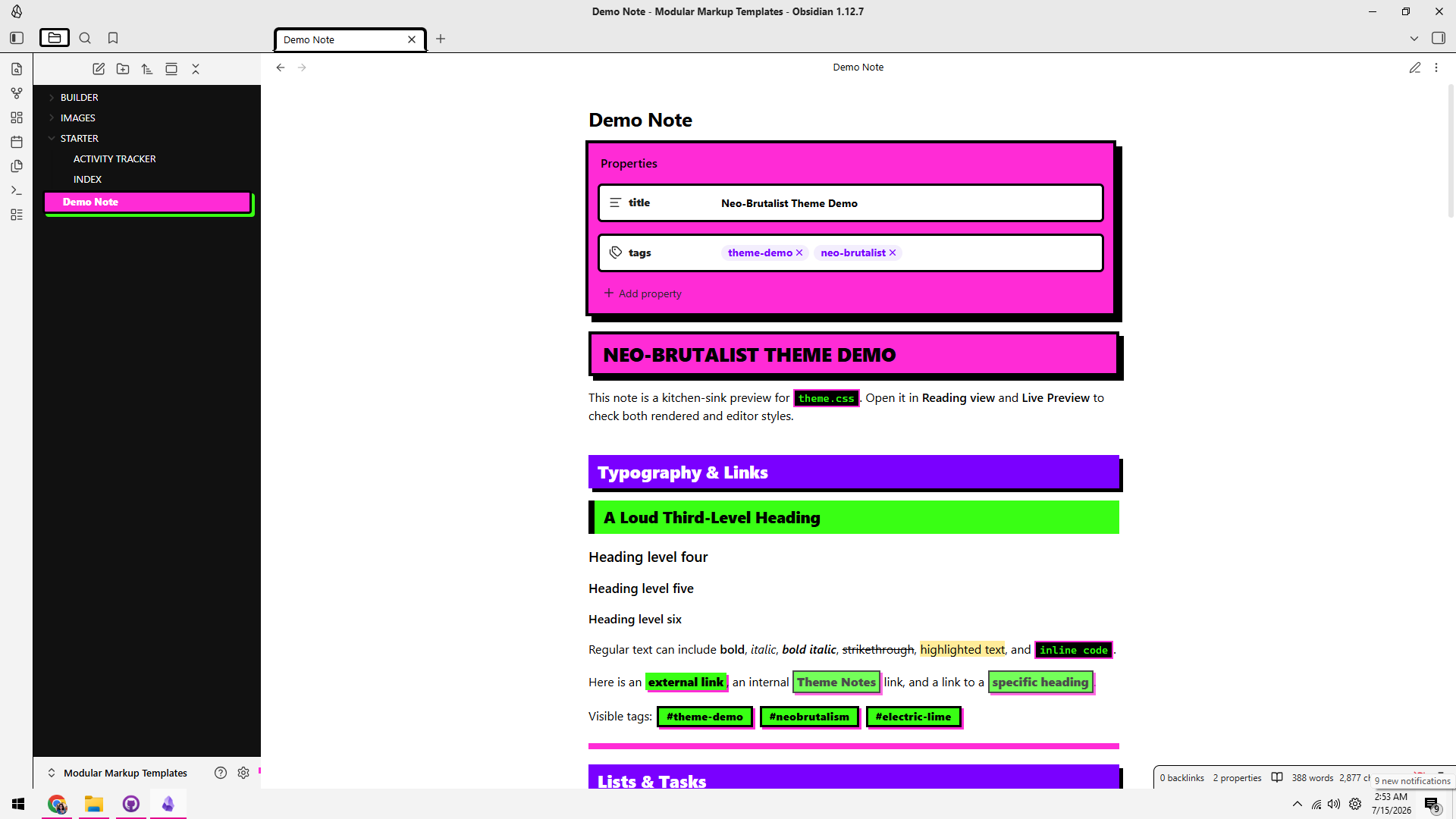
Electrocution turns your vault into a wall of fluorescent color, hard black borders, offset shadows, and unapologetically loud typography. It combines the blunt structure of neo-brutalism with an electric palette of hot pink, acid lime, ultraviolet purple, cyan, and warning yellow.
It is bright. It is sharp. It is not here to whisper.
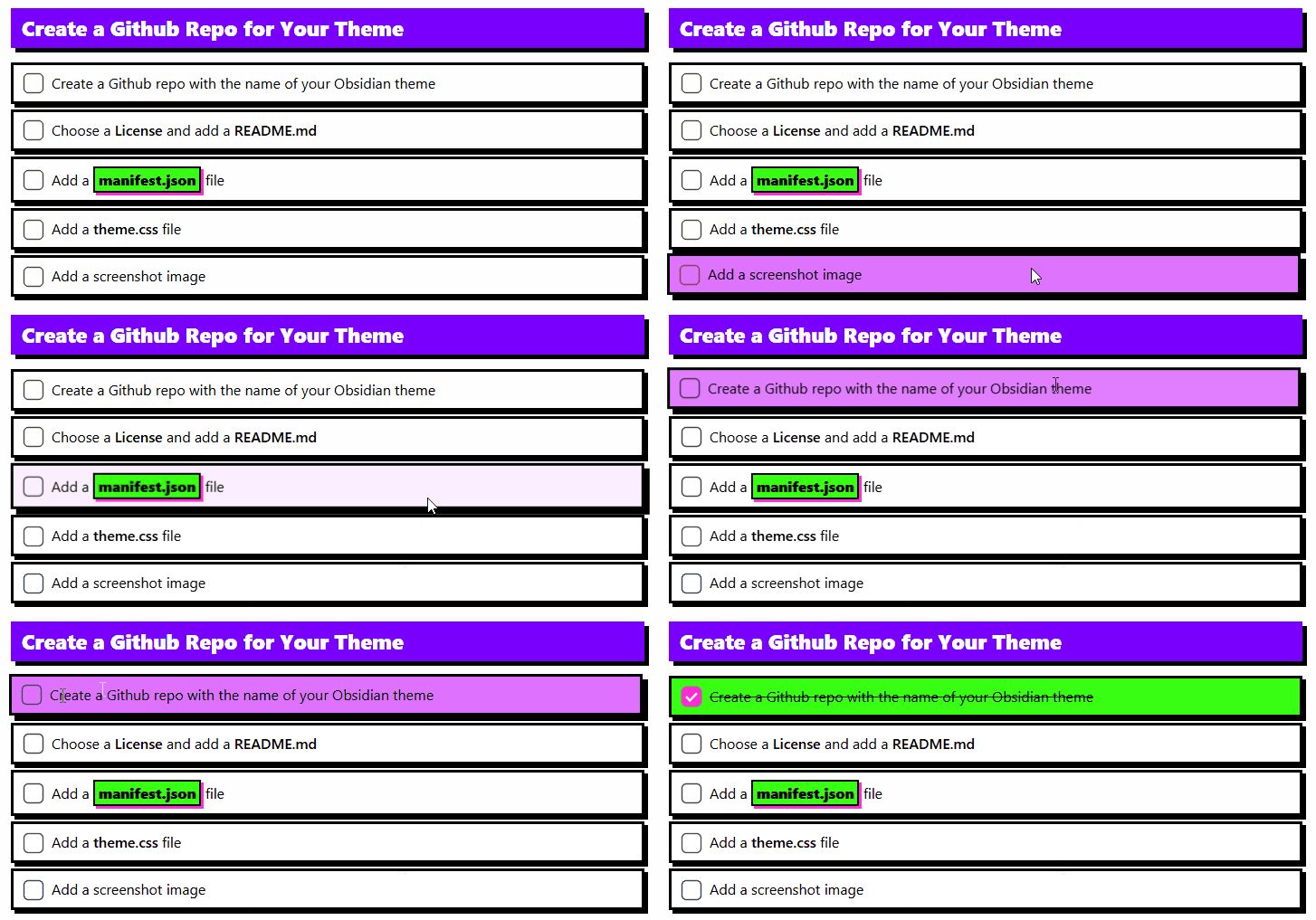
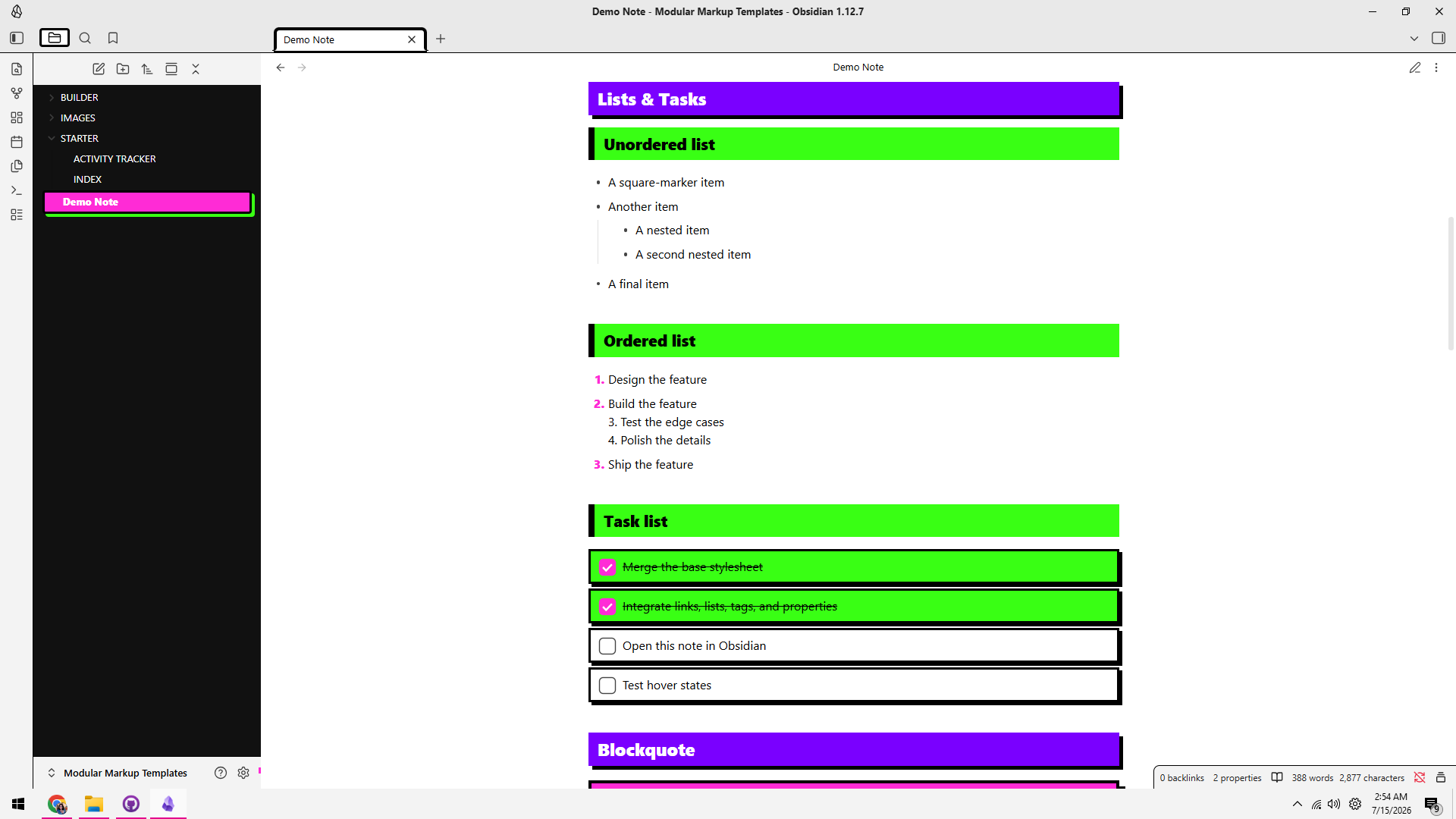
Checklists
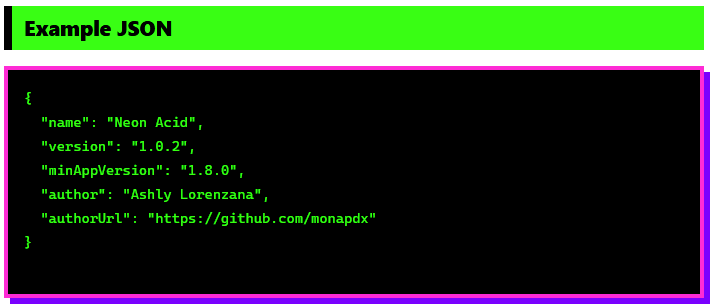
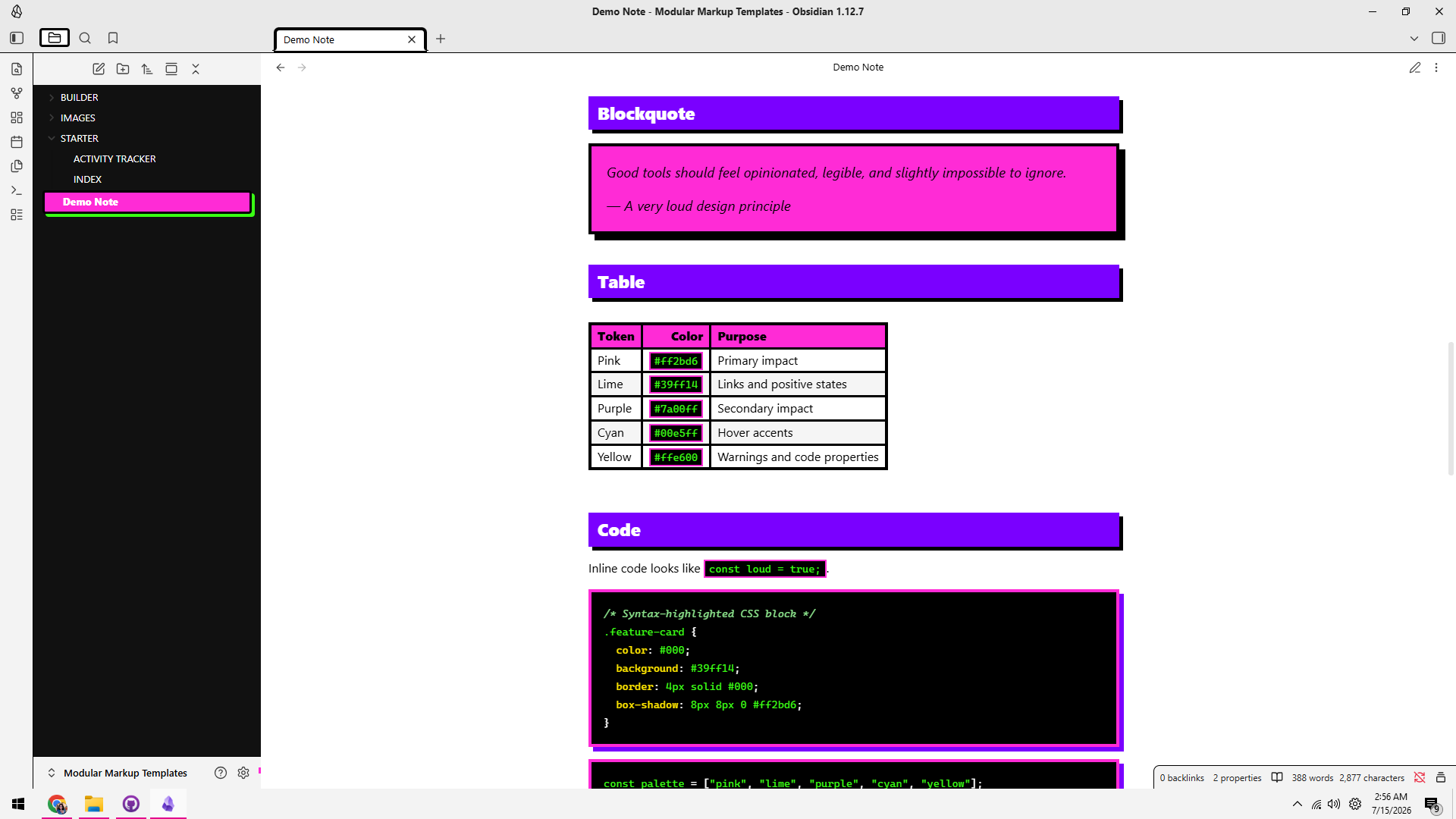
Code Blocks
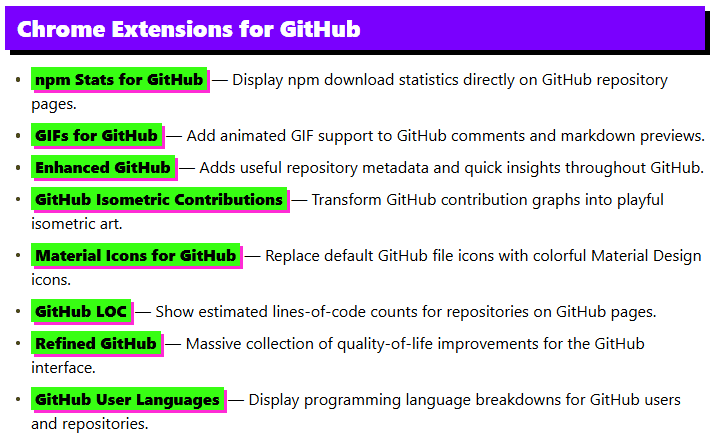
List of Links
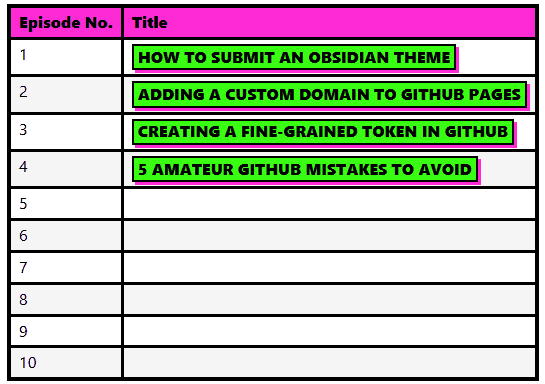
Tables
Features
- Bold neo-brutalist headings with heavy borders and offset shadows
- Hot-pink, lime, purple, cyan, and yellow accent palette
- High-visibility internal and external links
- Loud tags with animated hover states
- Bordered task cards with oversized checkboxes
- Bright completed-task states
- Styled properties and frontmatter panels
- Color-coded note, tip, warning, and danger callouts
- Readable neon syntax highlighting on black code blocks
- Heavy blockquotes, tables, embeds, images, and horizontal rules
- Dark file explorer with a high-contrast active-file treatment
- Matching styles for Reading view and Live Preview
- Optional left- and right-floating images
Screenshots
Installation
From Obsidian Community Themes
Once Electrocution is available in the Obsidian community theme directory:
- Open Settings → Appearance.
- Select Manage under Themes.
- Search for Electrocution.
- Select Install and use.
Manual installation
-
Download
theme.cssandmanifest.json. -
Create this folder inside your vault:
.obsidian/themes/Electrocution/ -
Place both files inside it:
Electrocution/ ├── manifest.json └── theme.css -
Restart Obsidian or reload the app.
-
Open Settings → Appearance → Themes and select Electrocution.
Palette
| Color | Hex | Role |
|---|---|---|
| Hot pink | #ff2bd6 |
Primary impact and active states |
| Electric lime | #39ff14 |
Links, tags, and completed tasks |
| Ultraviolet | #7a00ff |
Section headings and shadows |
| Electric cyan | #00e5ff |
Hover accents and code |
| Warning yellow | #ffe600 |
Warnings and syntax accents |
| Black | #000000 |
Borders, shadows, and code backgrounds |
| White | #ffffff |
Document and card backgrounds |
The palette is defined near the top of theme.css using custom properties, making it easy to remix:
--nb-pink: #ff2bd6;
--nb-lime: #39ff14;
--nb-purple: #7a00ff;
--nb-yellow: #ffe600;
--nb-cyan: #00e5ff;
--nb-black: #000000;
--nb-white: #ffffff;
Styled Callouts
Electrocution includes dedicated colors for four standard Obsidian callouts:
> [!note] Note
> General information appears in purple.

> [!tip] Tip
> Helpful information appears in electric lime.

> [!warning] Warning
> Cautionary information appears in yellow.

> [!danger] Danger
> Urgent information appears in hot pink.
Floating Images
Electrocution supports optional image wrapping in Reading view. Include float-left or float-right in the image alt text:
![[example-image.png|float-left|240]]
![[example-image.png|float-right|240]]
Text will flow around the image while retaining the theme's heavy border and offset shadow.
Best Used With
Electrocution is especially suited to:
- Creative project vaults
- Visual dashboards and indexes
- Dev logs and build notes
- Story and worldbuilding systems
- Task-heavy working notes
- Anyone who thinks “subtle” is frequently overrated
Compatibility
Electrocution is designed for modern Obsidian releases and styles both Reading view and Live Preview. Obsidian occasionally changes internal class names, so individual interface details may require adjustment after major application updates.
Third-party plugins may introduce their own markup and styles. They should remain usable, but plugin-specific components are not yet individually themed.
Contributing
Bug reports, compatibility fixes, and improvements are welcome. When reporting a visual problem, please include:
- Your Obsidian version
- Your operating system
- Whether the issue appears in Reading view, Live Preview, or both
- A screenshot and a small Markdown example that reproduces it
- Any CSS snippets or appearance-related plugins currently enabled
Author
Created by Ashly Lorenzana.
Name
Why Electrocution? Because hot pink, electric lime, cyan, ultraviolet, and hard black edges should feel less like choosing a color scheme and more like grabbing the wrong wire.