mirror of
https://github.com/mprojectscode/obsidian-focus-theme.git
synced 2026-07-22 03:40:26 +00:00
No description
| .github | ||
| automation | ||
| exampleVault | ||
| src | ||
| .gitignore | ||
| .prettierignore | ||
| .prettierrc.json | ||
| bun.lockb | ||
| esbuild.config.mjs | ||
| esbuild.dev.config.mjs | ||
| FocusThemeImage.png | ||
| FocusThemeImageFull.png | ||
| LICENSE.txt | ||
| manifest-beta.json | ||
| manifest.json | ||
| package.json | ||
| README.md | ||
| theme.css | ||
| tsconfig.json | ||



Obsidian Focus Theme
This is a dark only theme for Obsidian, focusing on the important parts of your notes.
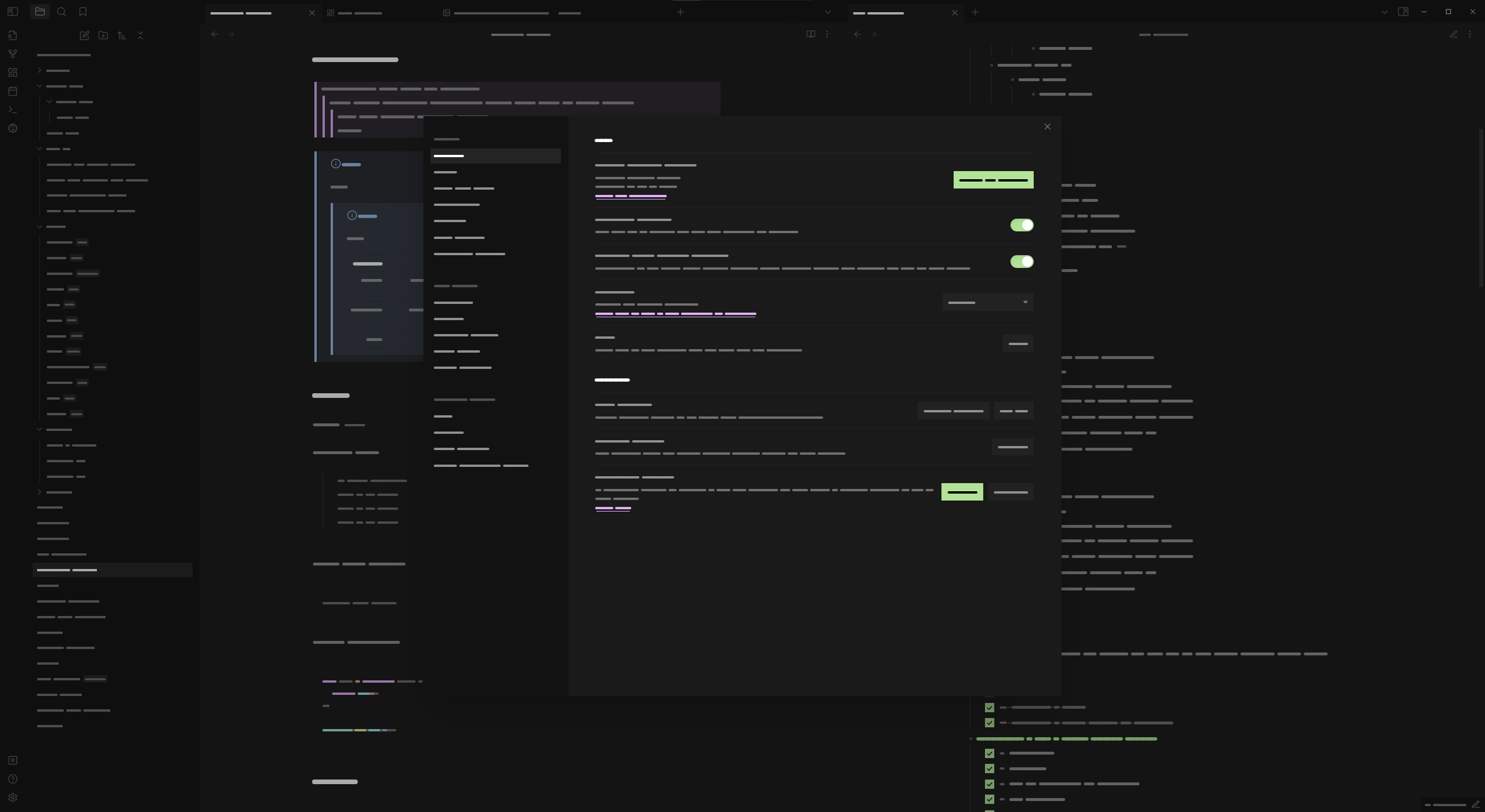
If you use custom fonts set in Obsidian's settings, you may need to add JetBrains Mono to those settings to get the desired look.
Installation
Obsidian Marketplace (Recommended)
- Open
Settings -> Appearancein your vault - Click on the
Managebutton in the Themes section - Search for
Focus(maks sure you haveLight themes onlyunchecked) - Select
Focusand clickInstall and use
Manual Download
- Download
manifest.jsonandtheme.cssfrom the latest release - Create a folder called
Focusin your vaults/.obsidian/themes/folder - Move the
manifest.jsonandtheme.cssfiles into theFocusfolder - Open
Settings -> Appearancein your vault - Select
Focusfrom the dropdown in the Themes section
License
Credits
- FireIsGood for Readme tips
- sailKite for CSS help and testing the theme